Independent MyBB plugins

Your forum.
More possibilities.

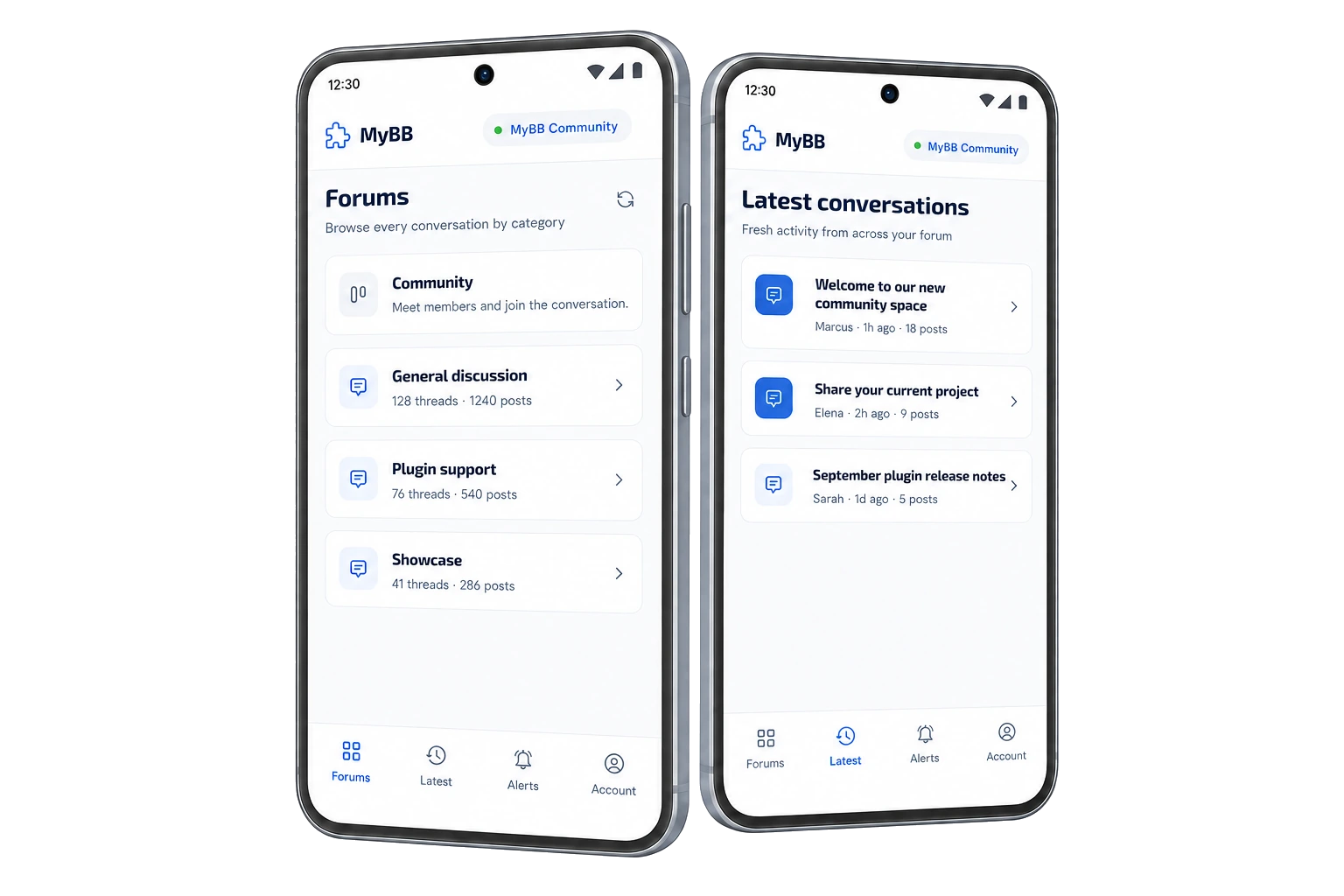
Add something new to your MyBB community. Explore plugins with clear compatibility and straightforward setup.

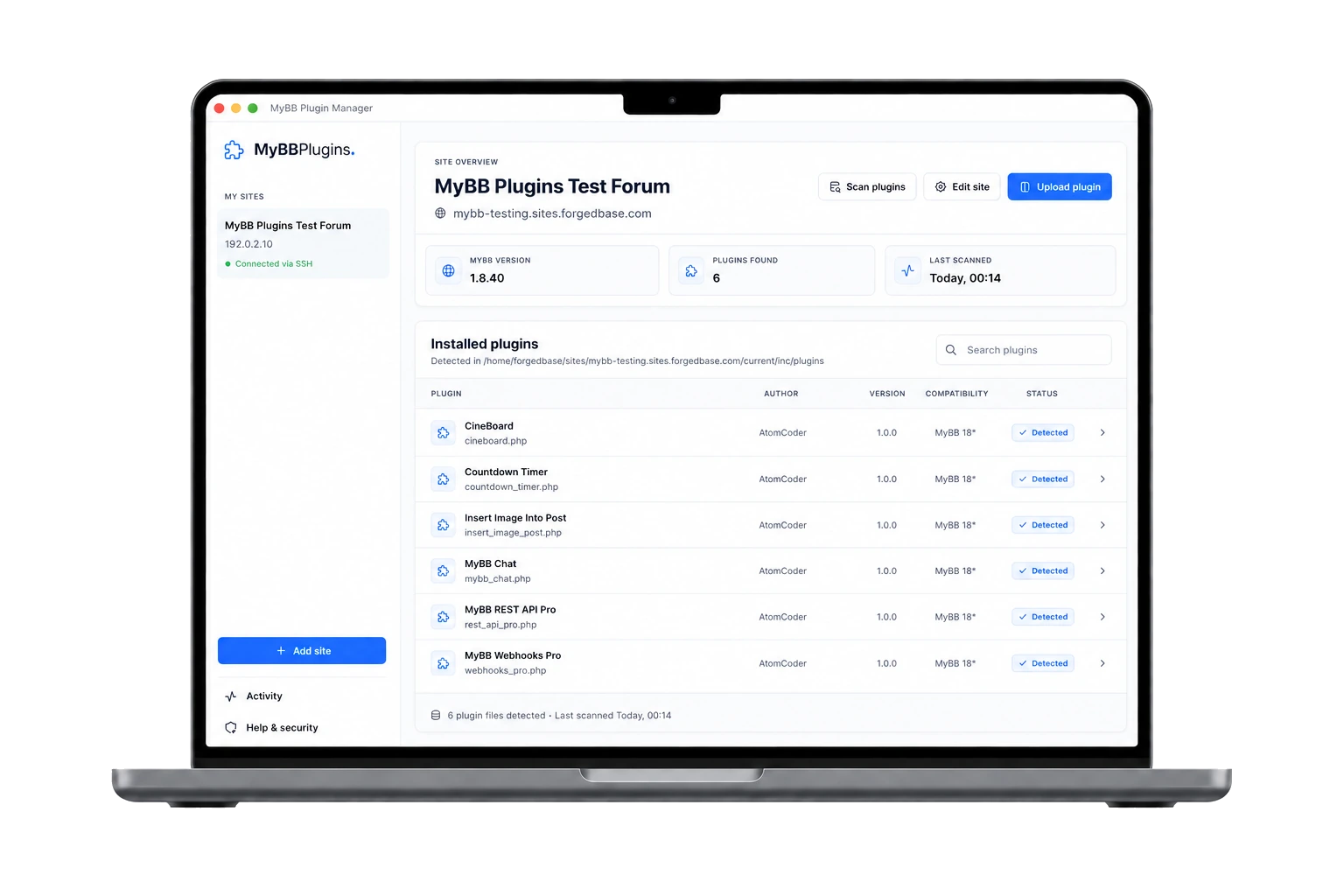
MyBB 1.8 6 plugins available

The collection.

View all plugins

6 plugins in the collection

Freev1.0.0

Countdown Timer

MyBB 1.8.x

Give your community something to look forward to. Add a countdown for your next event, launch, or milestone, right above or below your forum header.

View plugin By AtomCoder

Countdown Timer

Features & setup

Features

  • Choose your event date and timezone
  • Display on all pages or just the ones you choose
  • Set a custom message when the countdown ends

Installation

  1. 01

    Extract the ZIP and upload the contents of the Upload folder to your MyBB forum root, keeping the folder structure.

  2. 02

    Open Admin CP → Configuration → Plugins. Find Countdown Timer and select Install & Activate.

  3. 03

    Open Configuration → Settings → Countdown Timer. Set the event date in YYYY-MM-DD HH:MM:SS format, choose your timezone, and enable the countdown.

MyBB 1.8.x

Upload images from your computer or paste screenshots directly into MyBB's full post editor. Images appear inline while you write and open in a polished, keyboard-friendly lightbox after posting.

View plugin By AtomCoder

Insert Image Into Post

Features & setup

Features

  • Upload JPG, PNG, GIF and WebP from the existing image toolbar button
  • Paste clipboard images directly at the current cursor position
  • WYSIWYG previews backed by native MyBB attachments
  • Responsive lightbox with per-post galleries, keyboard navigation and actual-size viewing
  • Drag-and-drop picker with upload progress and clear validation
  • Native forum permissions, quotas, CSRF protection and attachment limits
  • No core or theme edits

Installation

  1. 01

    Extract the ZIP into your forum root, merging the inc and jscripts directories

  2. 02

    Open Admin CP → Configuration → Plugins and choose Install & Activate

  3. 03

    Open Configuration → Settings → Insert Image Into Post and choose the available forums, clipboard-paste setting and upload limit

  4. 04

    Ensure MyBB attachments and image attachment types are enabled and the uploads directory is writable

Freev1.0.0

CineBoard

MyBB 1.8.x

Turn your MyBB forum into a responsive movie-discovery hub with cached TMDB metadata, configurable rows, search, favourites, and a complete Community route—without core edits or bundled streams.

View plugin By AtomCoder

CineBoard

Features & setup

Features

  • Cinematic home, browse, search, and movie detail pages
  • Scheduled TMDB synchronisation with cached metadata
  • Keep the complete MyBB forum available through Community
  • Configurable trending, newest, genre, year, manual, and provider-query rows
  • Public, member-only, group, and per-row audience controls
  • Member favourites through My List
  • Optional administrator-initiated OMDb imports
  • Official trailers and allowlisted authorised embeds only
  • Non-destructive deactivation and confirmed data removal

Installation

  1. 01

    Back up your MyBB forum files and database.

  2. 02

    Extract the ZIP directly into the forum root, merging the included inc and jscripts directories. The archive does not contain an Upload wrapper.

  3. 03

    Open Admin CP → Configuration → Plugins, then install and activate CineBoard.

  4. 04

    Grant “Can manage CineBoard?” to the Admin CP groups that should manage the catalogue.

  5. 05

    Open Configuration → Settings → CineBoard and configure your own TMDB read-access token or API key. An OMDb key is optional.

  6. 06

    Open Configuration → CineBoard → Synchronization, run Sync now, and enable the movie homepage after the first successful sync.

PaidShowcasev1.0.0

MyBB Chat

MyBB 1.8.x

Add a realtime WebSocket shoutbox to MyBB with a site-wide floating chat button or an embedded forum-index layout. The responsive floating panel can launch from either bottom corner and brings instant messages, live presence, typing indicators, avatars, permissions and moderator controls to normal forum pages. Includes a dependency-free Node.js socket server and secure signed callbacks to MyBB.

View plugin By AtomCoder

MyBB Chat

Features & setup

Features

  • Site-wide floating chat button available across normal forum pages
  • Responsive floating panel for desktop and mobile
  • Bottom-right or bottom-left launcher placement
  • Configurable floating typing status: off, solid dot or pulsing ring
  • Optional embedded shoutbox on the forum index
  • Instant WebSocket messages with authenticated history
  • Live presence, online count and join/leave events
  • Typing indicators with no polling or page refreshes
  • Member avatars and MyBB group role badges
  • Group-based viewing, sending and moderation permissions
  • Modal-confirmed moderator message deletion
  • Signed, expiring identity tokens and HMAC-secured callbacks
  • Dependency-free Node.js 18+ socket server with Nginx and systemd examples
  • Configurable history, retention, cooldown and message limits
  • Polished MyBB Admin CP settings and non-destructive deactivation

Installation

  1. 01

    Extract the release ZIP directly into your forum root

  2. 02

    In Admin CP → Configuration → Plugins, install and activate MyBB Chat

  3. 03

    Open the plugin Settings link and leave chat disabled during socket setup

  4. 04

    Generate a shared socket secret and configure the same secret on the Node.js service

  5. 05

    Set the public wss:// WebSocket address and review access and moderator groups

  6. 06

    Configure the included Node.js service and TLS reverse proxy examples

  7. 07

    Enable chat, then verify messages and presence in two signed-in browser sessions

Paidv1.0.0

MyBB Webhooks Pro

MyBB 1.8.x

MyBB Webhooks Pro adds secure, queued and observable webhook delivery to MyBB 1.8.x. Connect forum activity to n8n, Make, Zapier, Discord, Slack, Laravel, Node.js and custom APIs without making visitors wait for third-party HTTP requests. Configure endpoints, subscribe to native MyBB lifecycle events, apply filters, sign payloads with HMAC-SHA256, inspect delivery history and safely redeliver failures from Admin CP.

View plugin By AtomCoder

MyBB Webhooks Pro

Features & setup

Features

  • 55 supported native MyBB lifecycle events
  • Secure HMAC-SHA256 request signing
  • Queued post-response delivery with CLI and MyBB task workers
  • Automatic retries with bounded backoff
  • Delivery history with request and response diagnostics
  • Manual test deliveries and auditable redelivery
  • Per-event subscriptions and field-based filters
  • HTTPS-first endpoint and private-network protections
  • Privacy-safe payloads for private forums and sensitive user data
  • Extensible developer API for third-party plugin events
  • Native MyBB Admin CP settings-style interface

Installation

  1. 01

    Extract the ZIP into your MyBB forum root so the inc and jscripts folders merge with the existing folders

  2. 02

    Open Admin CP → Configuration → Plugins

  3. 03

    Install and activate MyBB Webhooks Pro

  4. 04

    Open Configuration → Webhooks Pro and add an HTTPS endpoint

  5. 05

    Confirm that MyBB scheduled tasks are enabled; the installer creates a once-per-minute fallback worker

  6. 06

    For reliable delivery on quiet forums, schedule /usr/bin/php /path/to/forum/webhooks-pro-worker.php once per minute

Paidv1.0.0

MyBB REST API Pro

MyBB 1.8.x

MyBB REST API Pro adds a secure, versioned JSON API to MyBB 1.8.x. Create scoped bearer tokens linked to forum users, expose permission-aware forums, threads, posts, users and private messages, and test live requests from a built-in API Console with generated cURL, Laravel HTTP, JavaScript fetch and jQuery AJAX examples. OpenAPI 3.0 documentation, rate limiting, CORS controls and privacy-safe audit logs make it ready for trusted integrations.

View plugin By AtomCoder

MyBB REST API Pro

Features & setup

Features

  • 28 versioned JSON API endpoints
  • Scoped bearer tokens stored only as secure SHA-256 hashes
  • Tokens inherit the linked MyBB user’s forum and moderator permissions
  • Read and manage forums, threads, posts, users, attachments and private messages
  • Safe MyBB-native create, update, moderation and soft-delete operations
  • Built-in API Console for executing real test requests
  • Generated cURL, Laravel HTTP, JavaScript fetch and jQuery AJAX examples
  • Detailed OpenAPI 3.0 specification with parameters, schemas and example bodies
  • Per-token and per-IP rate limiting
  • Exact-origin CORS controls and password-protected forum support
  • Privacy-safe audit log with status, duration and request diagnostics
  • Non-destructive deactivation and confirmed uninstall workflow

Installation

  1. 01

    Extract the ZIP into your MyBB forum root so the inc and jscripts folders merge with the existing folders

  2. 02

    Open Admin CP → Configuration → Plugins

  3. 03

    Install and activate MyBB REST API Pro

  4. 04

    Open Configuration → REST API Pro → API tokens and create a scoped token

  5. 05

    Copy the full token immediately because only its secure hash is retained

  6. 06

    Open the API Console to test requests or call https://your-forum.example/api.php?route=/v1 from your application

Installation.

Follow the instructions included with each plugin.

  1. 01

    Download

    Check compatibility and get the plugin ZIP.

  2. 02

    Upload & activate

    Upload the files and activate in Admin CP.

  3. 03

    Configure

    Adjust the settings to suit your community.

Back up your forum files and database before installing.

FAQs.

Which MyBB versions are supported?

Compatibility is shown on every plugin listing. Always check it before installing.

How do I install a plugin?

Open “Features & setup” on the listing, or open the plugin page for the complete steps.

Do I need to edit MyBB core files?

These plugins use MyBB’s plugin system. Check each listing for any specific requirements.

Is this an official MyBB website?

No. This is an independent collection by AtomCoder and is not affiliated with the MyBB Group.