
Preview
 View full-size preview
This preview could not be loaded.
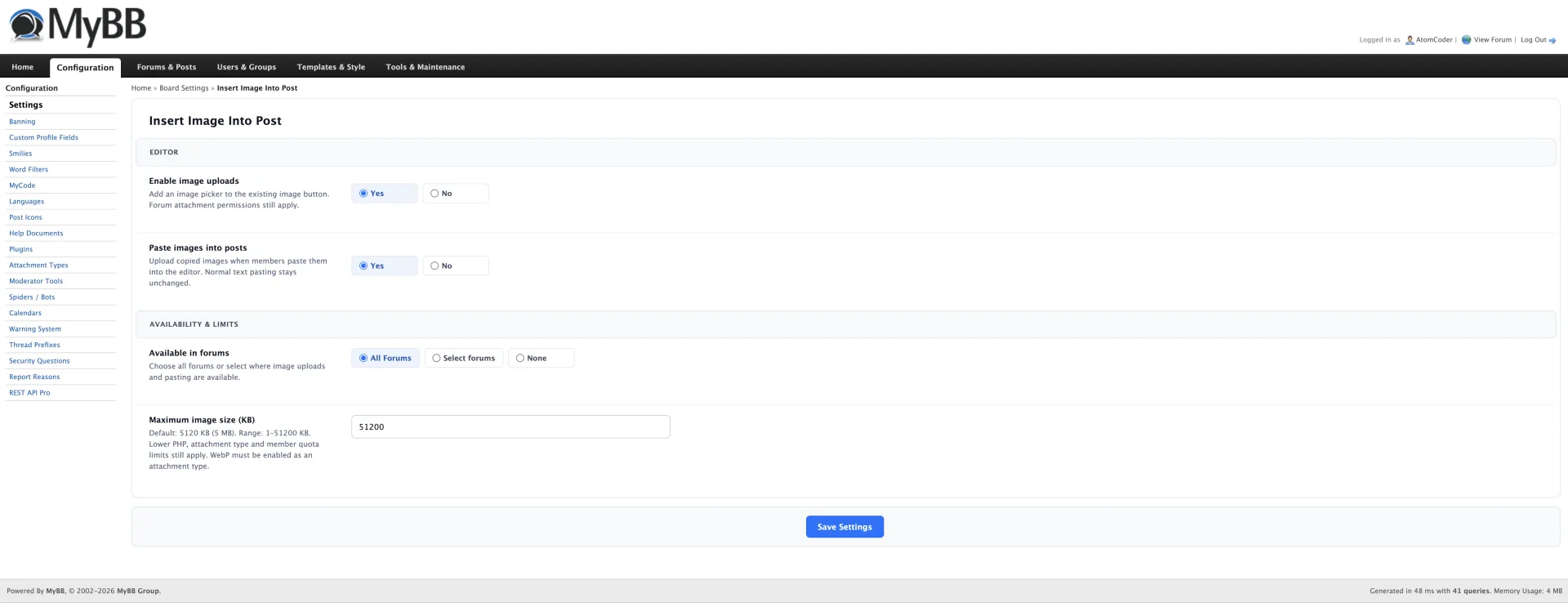
About Insert Image Into Post
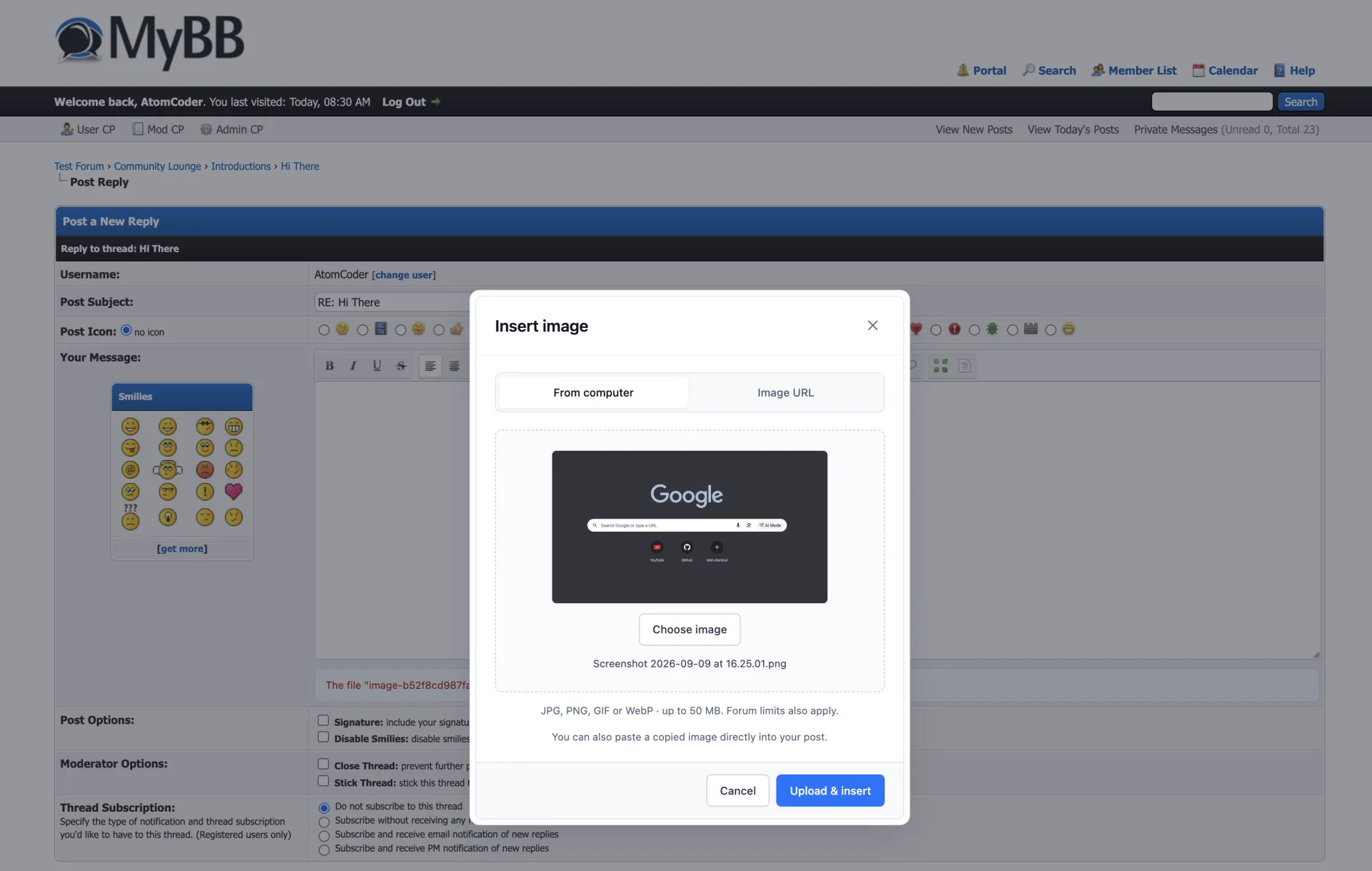
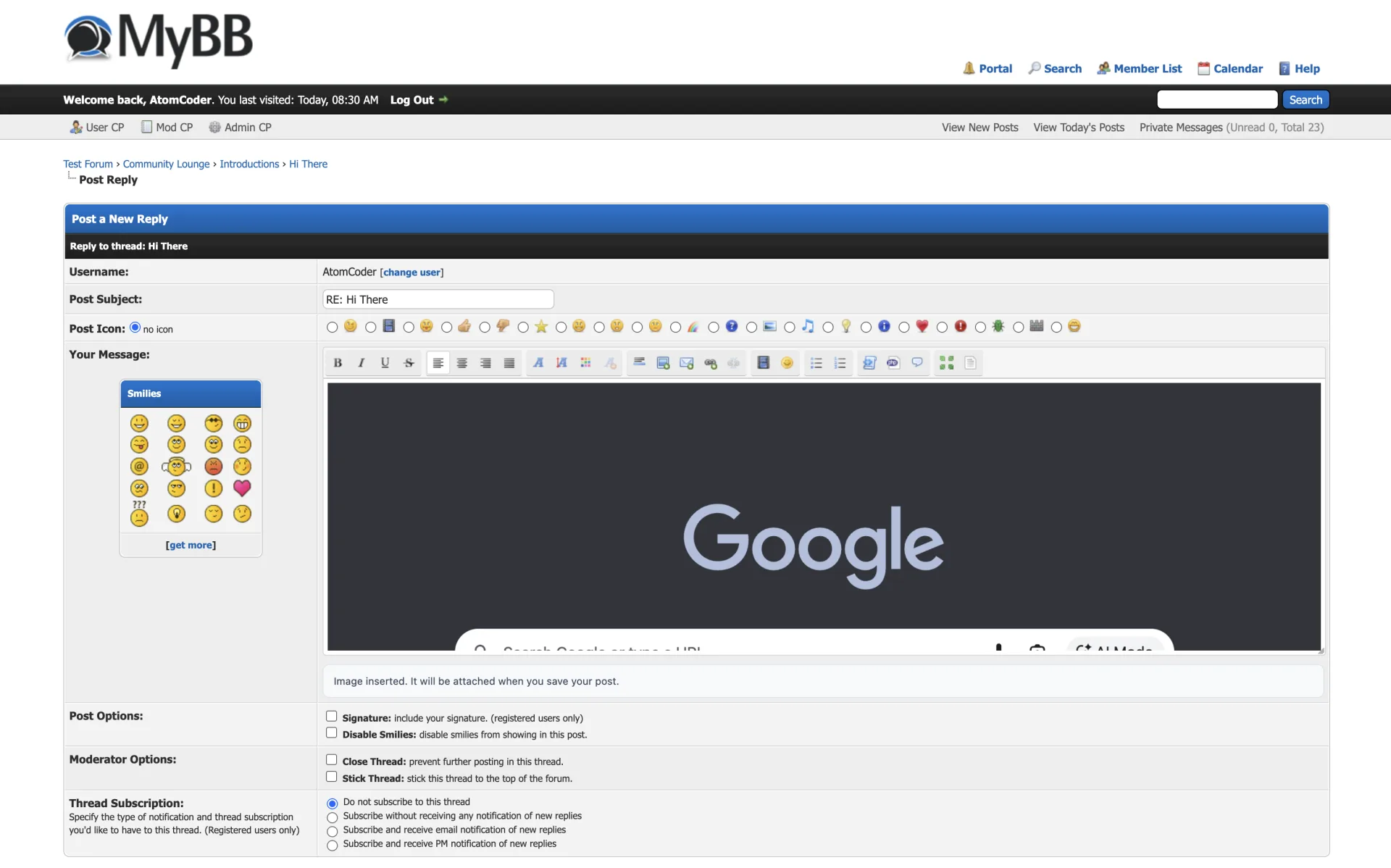
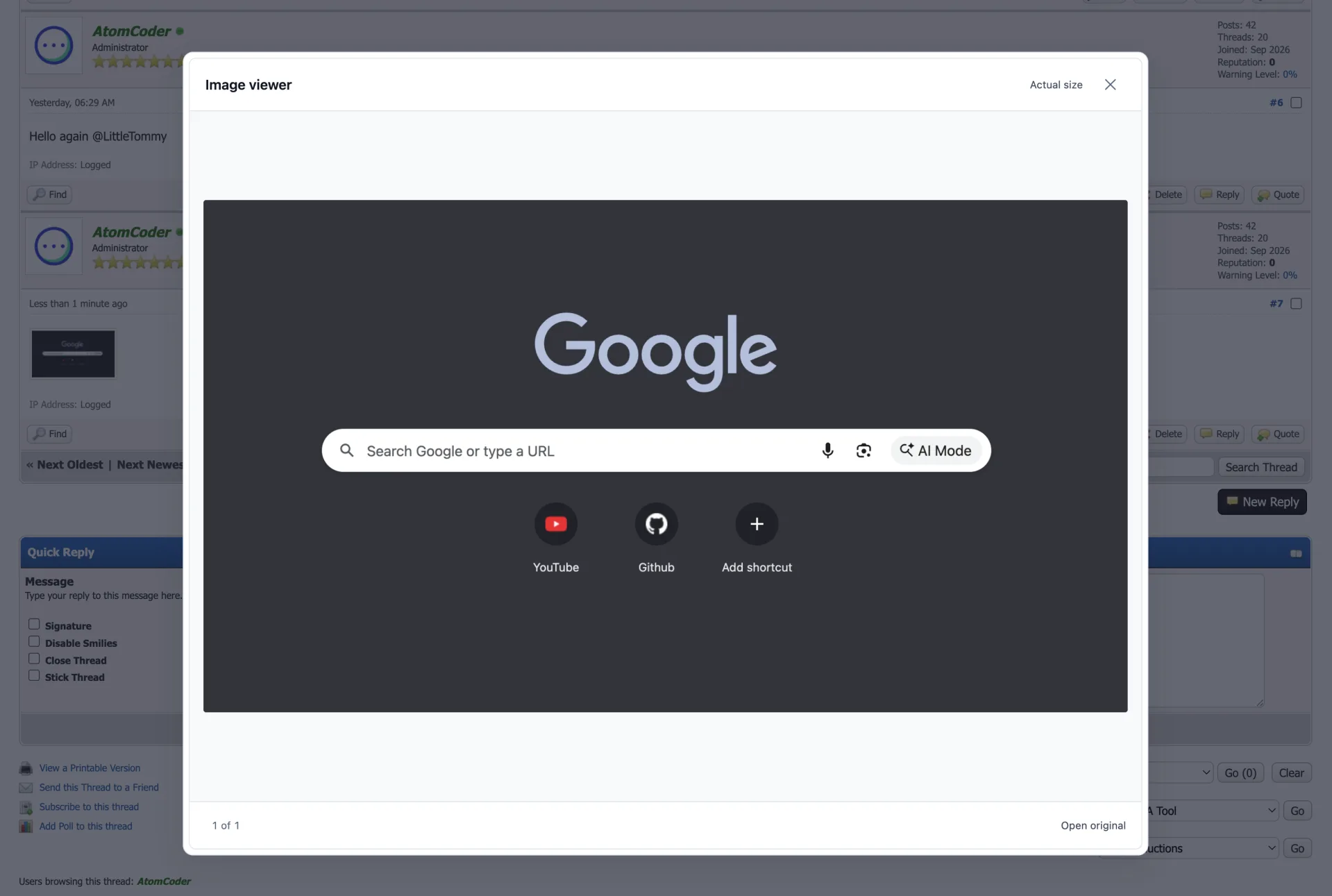
Upload images from your computer or paste screenshots directly into MyBB's full post editor. Images appear inline while you write and open in a polished, keyboard-friendly lightbox after posting.
What’s included
- Upload JPG, PNG, GIF and WebP from the existing image toolbar button
- Paste clipboard images directly at the current cursor position
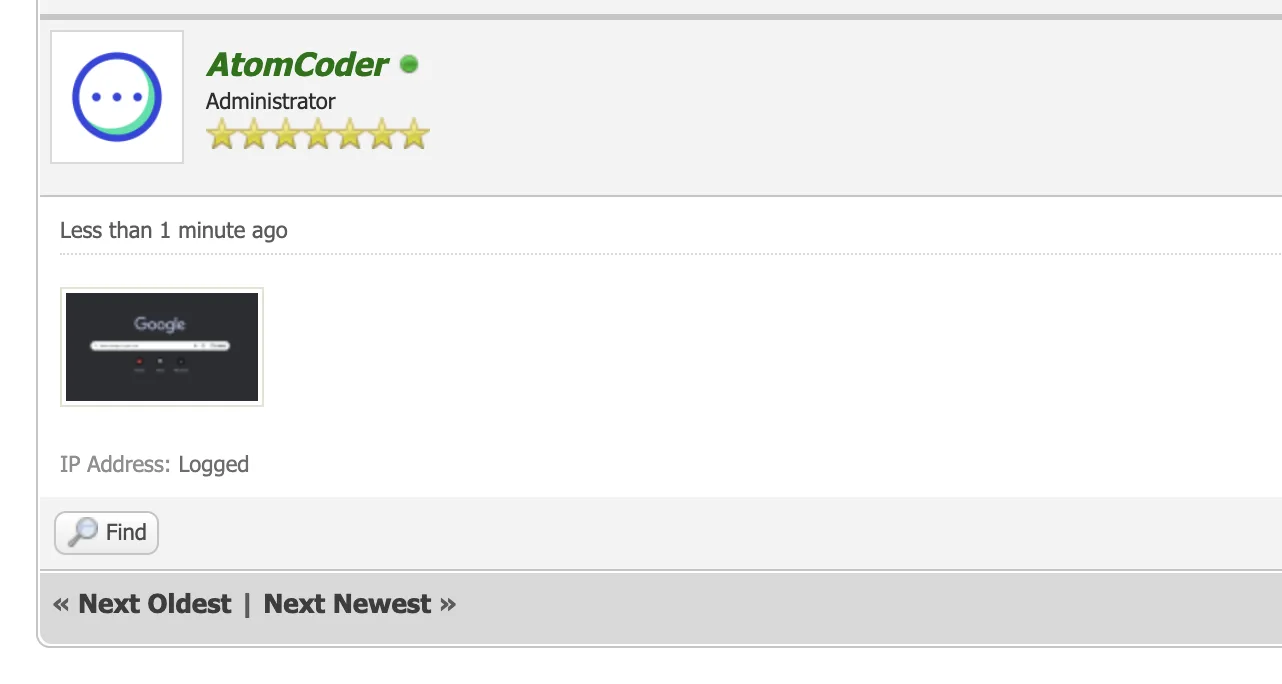
- WYSIWYG previews backed by native MyBB attachments
- Responsive lightbox with per-post galleries, keyboard navigation and actual-size viewing
- Drag-and-drop picker with upload progress and clear validation
- Native forum permissions, quotas, CSRF protection and attachment limits
- No core or theme edits
Installation
- Extract the ZIP into your forum root, merging the inc and jscripts directories
- Open Admin CP → Configuration → Plugins and choose Install & Activate
- Open Configuration → Settings → Insert Image Into Post and choose the available forums, clipboard-paste setting and upload limit
- Ensure MyBB attachments and image attachment types are enabled and the uploads directory is writable