Connect securely
Add your forum over SSH and keep its connection details attached to that site.
Coming soon MyBB Plugin Manager
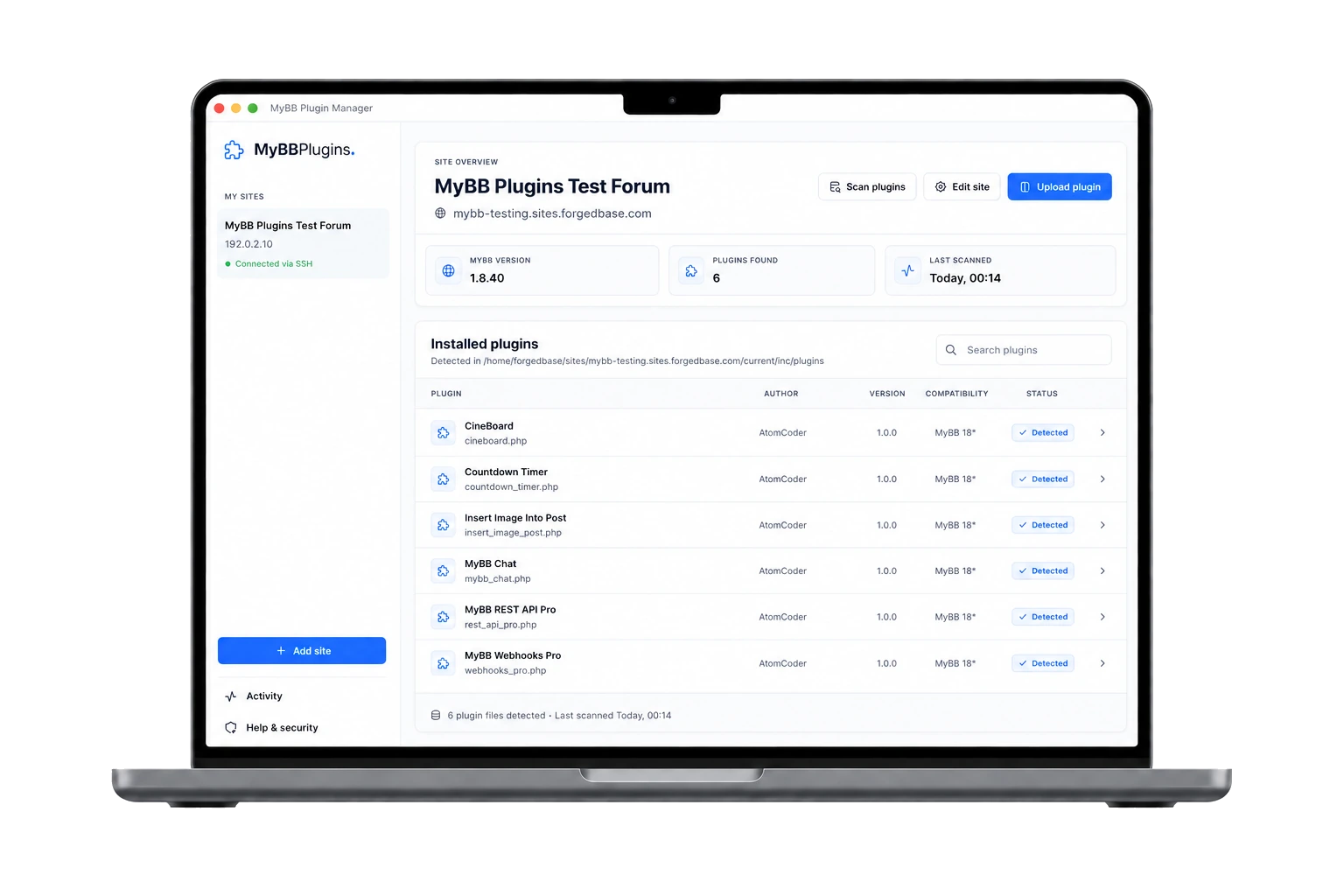
Connect your forum over SSH, scan the plugins already installed, and upload new plugin packages from one focused desktop app for macOS and Windows.
A focused workflow
The first version brings the essential plugin-management tasks together while keeping each forum separate and easy to review.
Add your forum over SSH and keep its connection details attached to that site.
Find the plugins already on your forum and review their versions and compatibility.
Add a plugin package through a focused workflow designed around your MyBB site.
Inside the app
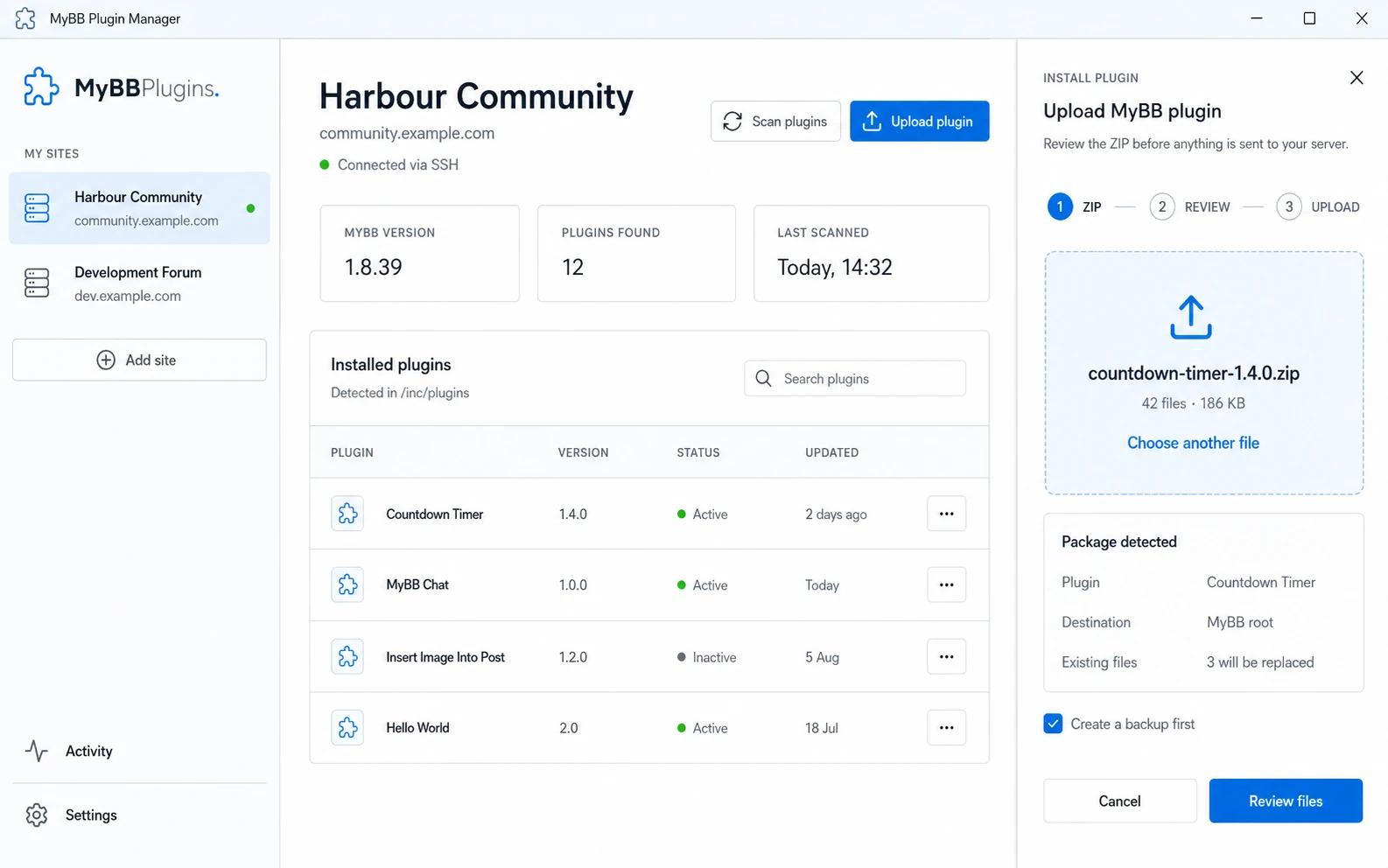
MyBB Plugin Manager works with the files on each site, checks a plugin package locally, and shows potential overwrites before anything is transferred.
Connect over SSH using an agent, private key, or a password protected by the system keychain.
Detect the MyBB version and read plugin metadata from inc/plugins without running remote PHP.
Validate the ZIP, review existing files, create an optional backup, and follow live upload progress.
Available today
Every plugin still includes the information needed to install it directly on your MyBB forum.