
Preview
 View full-size preview
This preview could not be loaded.
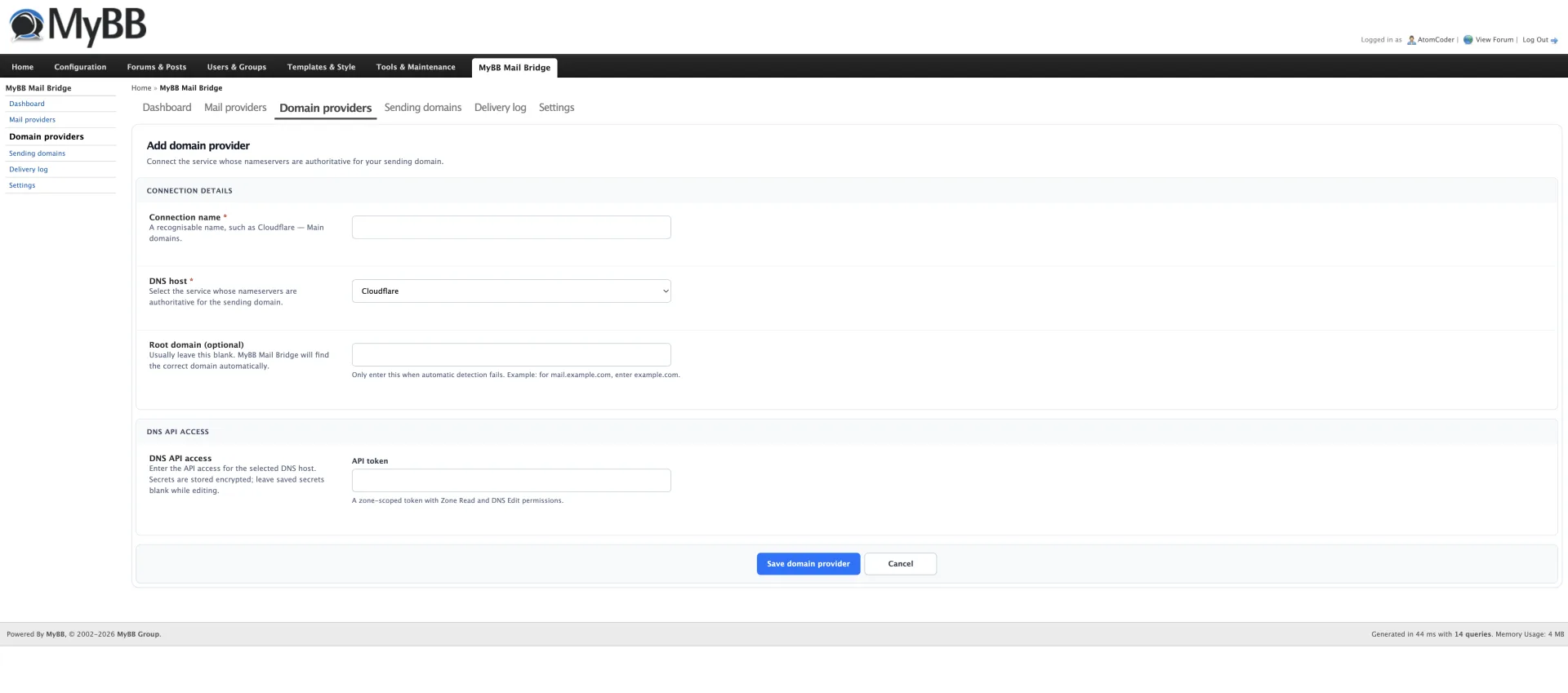
About MyBB Mail Bridge
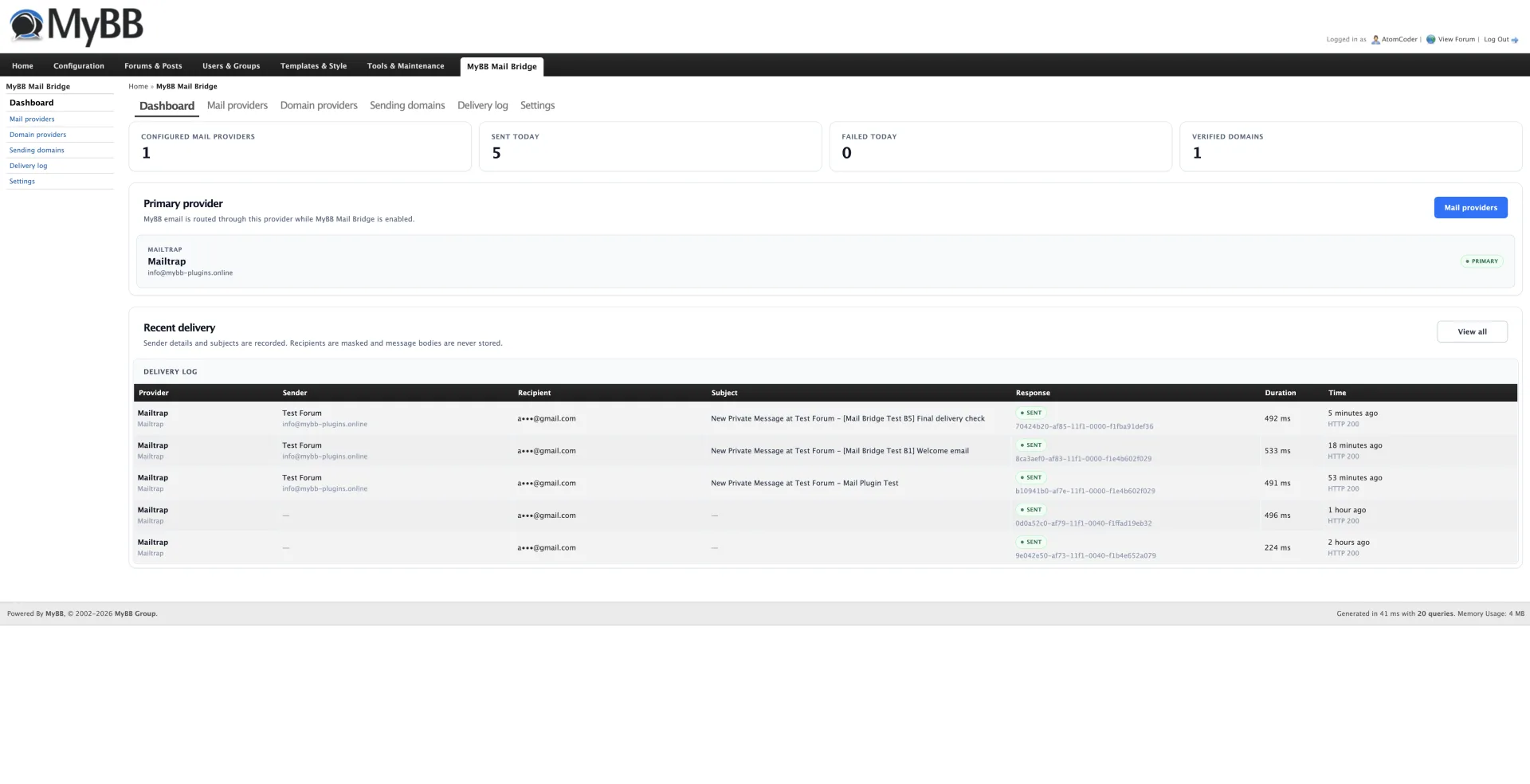
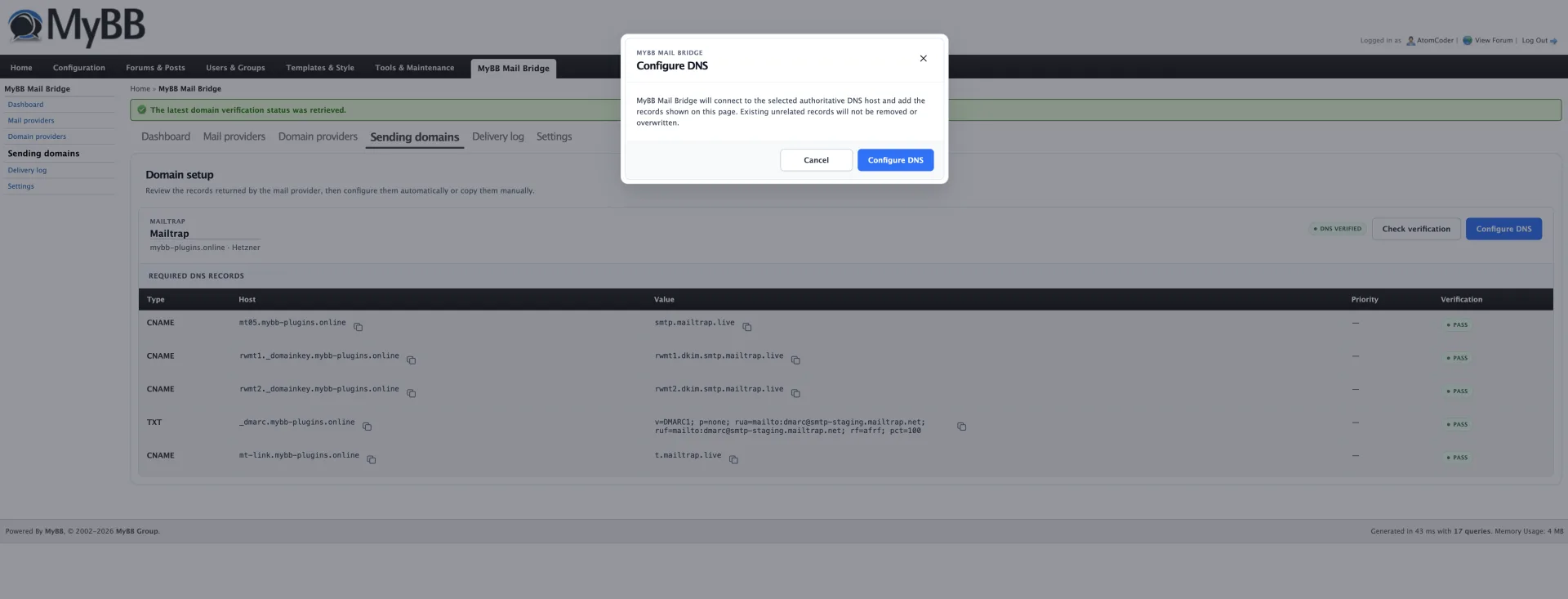
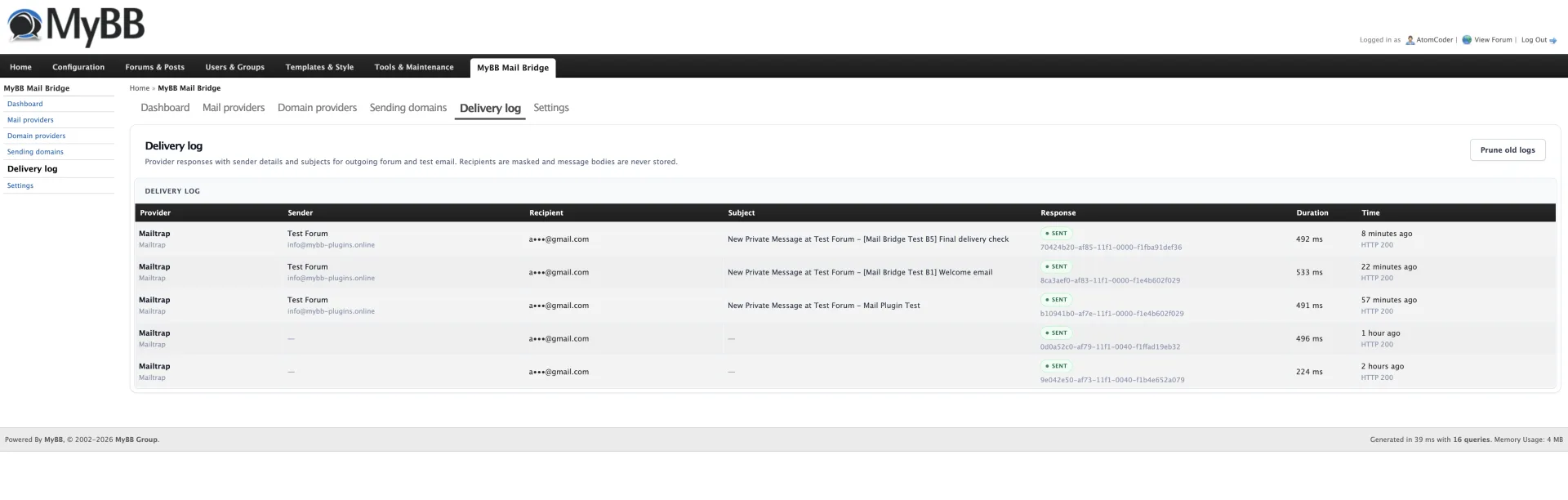
Route MyBB 1.8 forum email through Mailgun, Postmark, Resend, Mailtrap or any standard SMTP server—without modifying core files. MyBB Mail Bridge combines secure provider management, automated sending-domain setup and reusable authoritative DNS connections in a native Admin CP workflow. Credentials are encrypted, DNS changes are previewed before confirmation, and detailed delivery logs help you monitor forum email without storing message bodies.
What’s included
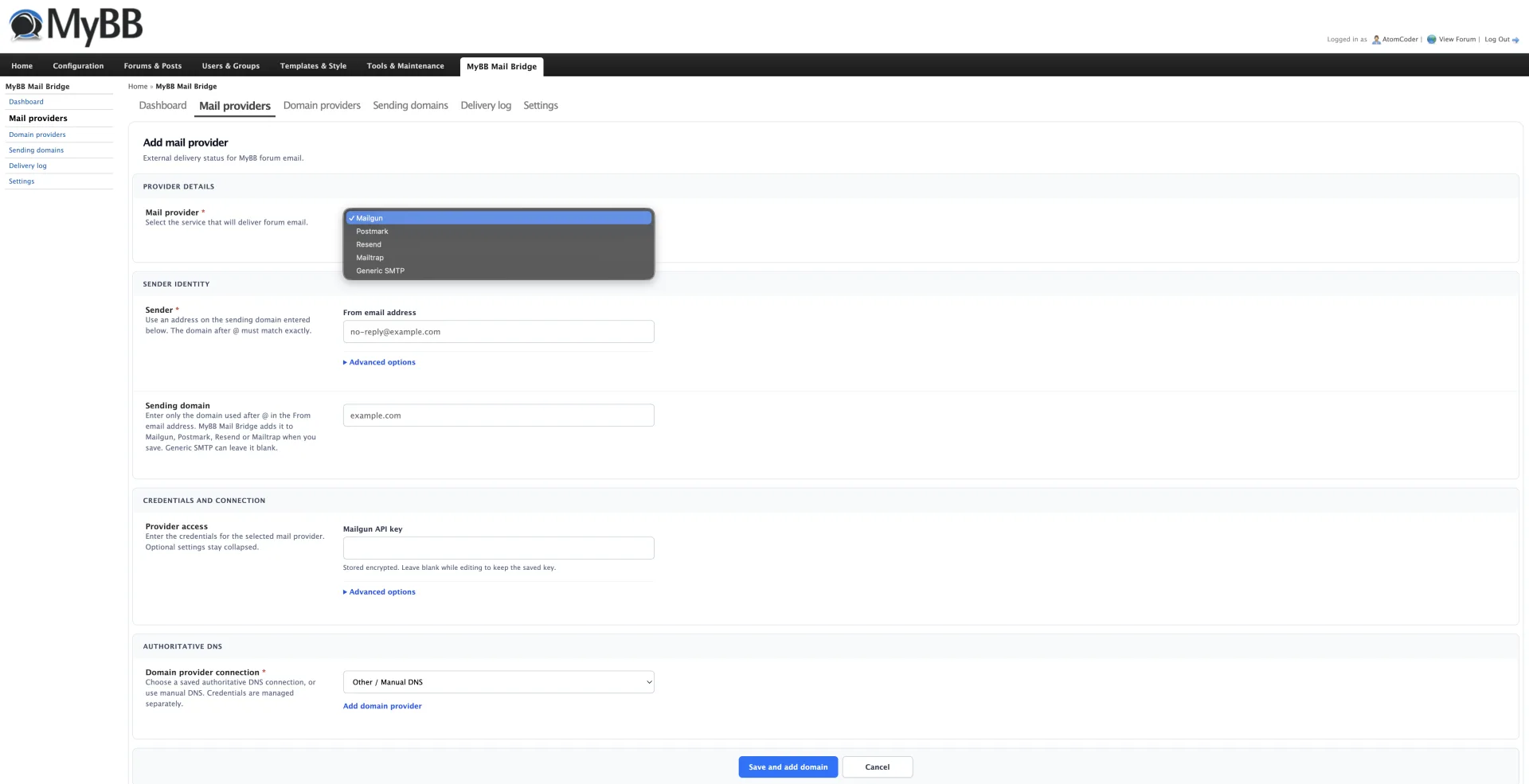
- Mailgun delivery with US and EU endpoint support
- Postmark delivery with transactional message streams
- Resend API delivery and sending-domain setup
- Mailtrap transactional Email Sending API integration
- Generic SMTP support using MyBB's existing mail handler
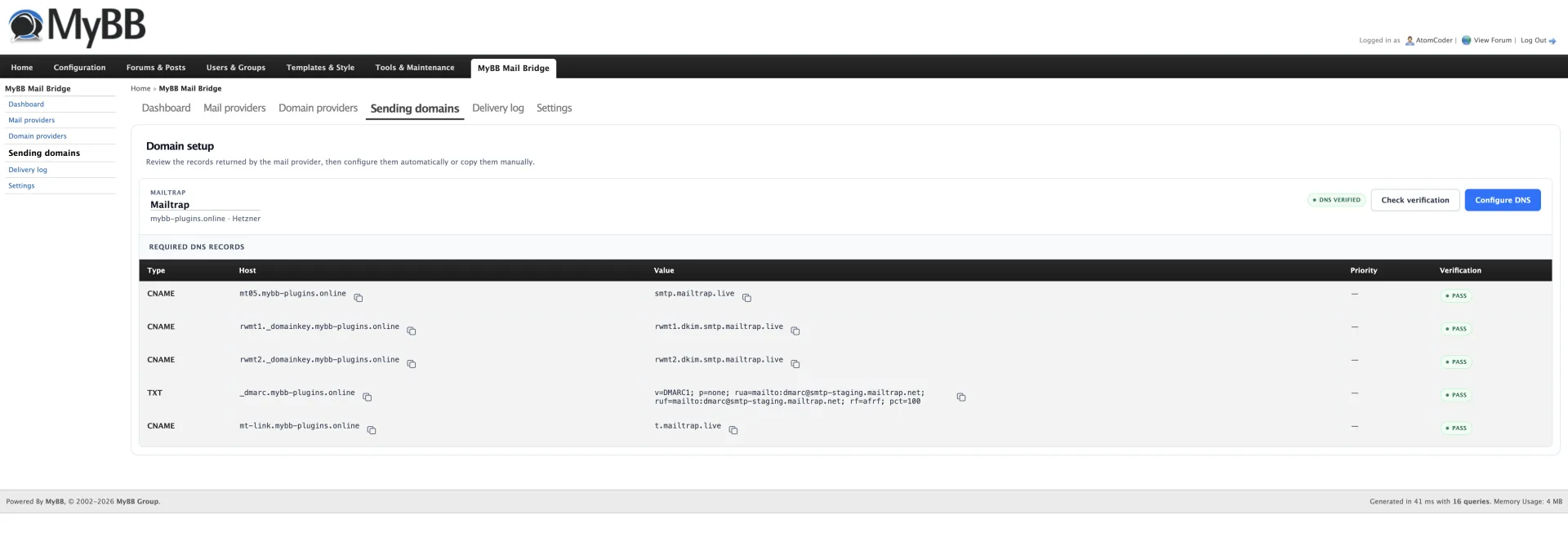
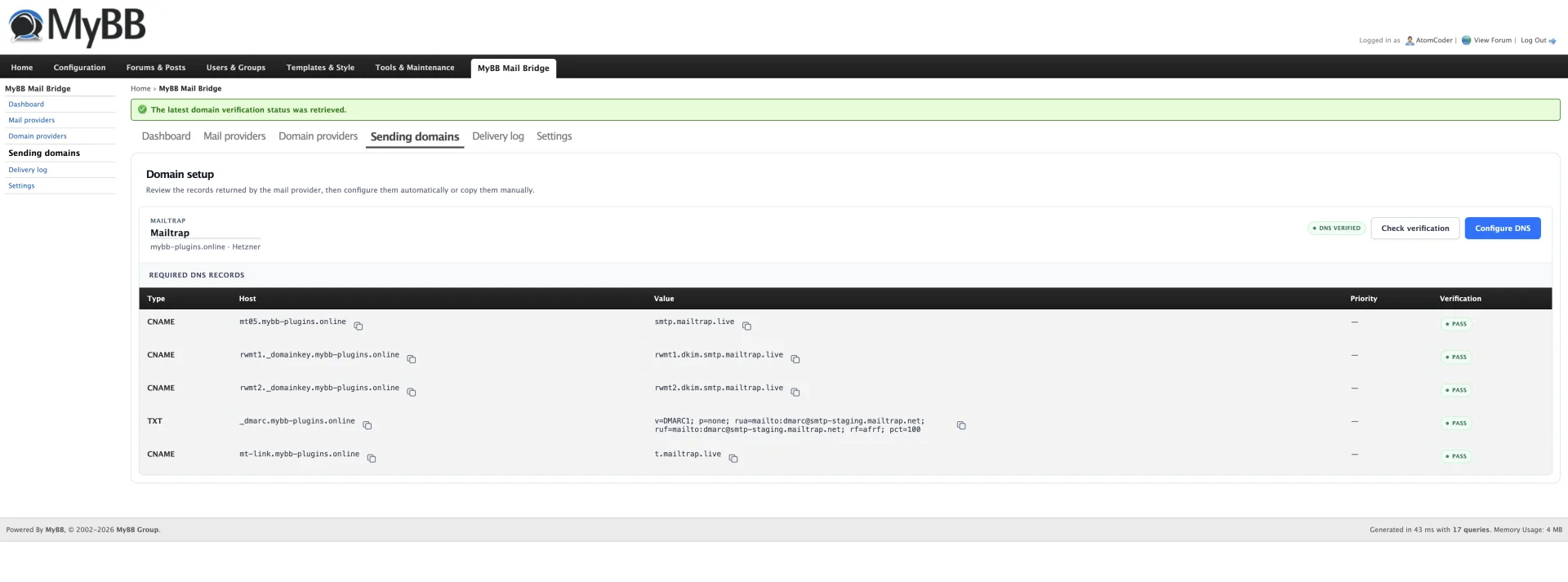
- Automatic sending-domain provisioning and verification
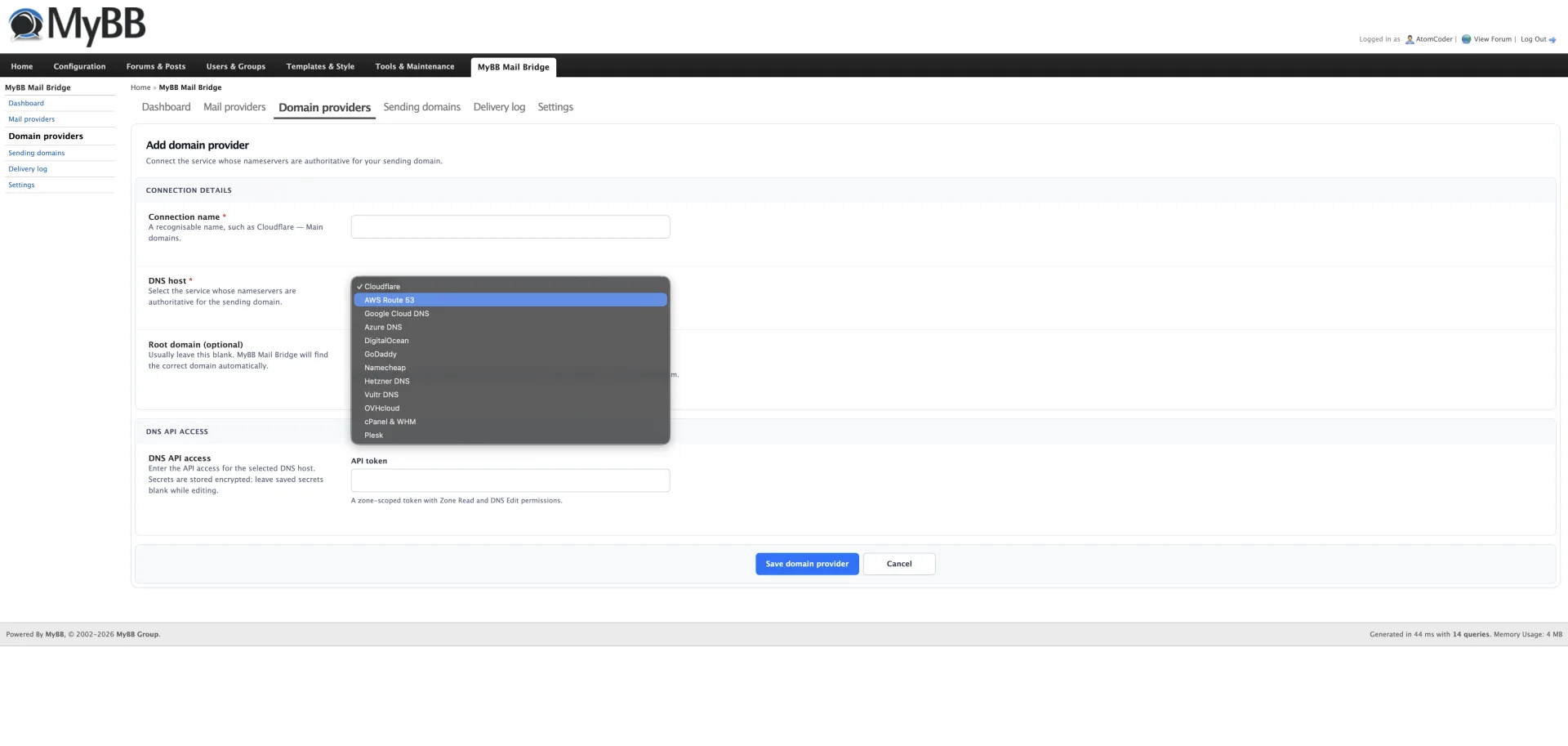
- Reusable authoritative DNS provider connections
- Automatic DNS support for Cloudflare, AWS Route 53, Google Cloud DNS, Azure DNS, DigitalOcean, GoDaddy, Namecheap, Hetzner, Vultr, OVHcloud, cPanel & WHM and Plesk
- Preview-and-confirm DNS changes with conflict detection
- AES-256-GCM encryption for saved mail and DNS credentials
- Test emails and simple primary-provider switching
- Delivery logs with masked recipients, provider responses and timing
- Core-safe integration with automatic fallback to MyBB's built-in mail handler
- Support for renamed MyBB Admin CP directories
Installation
- Extract the release archive into your forum root so the inc and jscripts directories merge with the existing directories.
- In Admin CP, open Configuration → Plugins.
- Install and activate MyBB Mail Bridge.
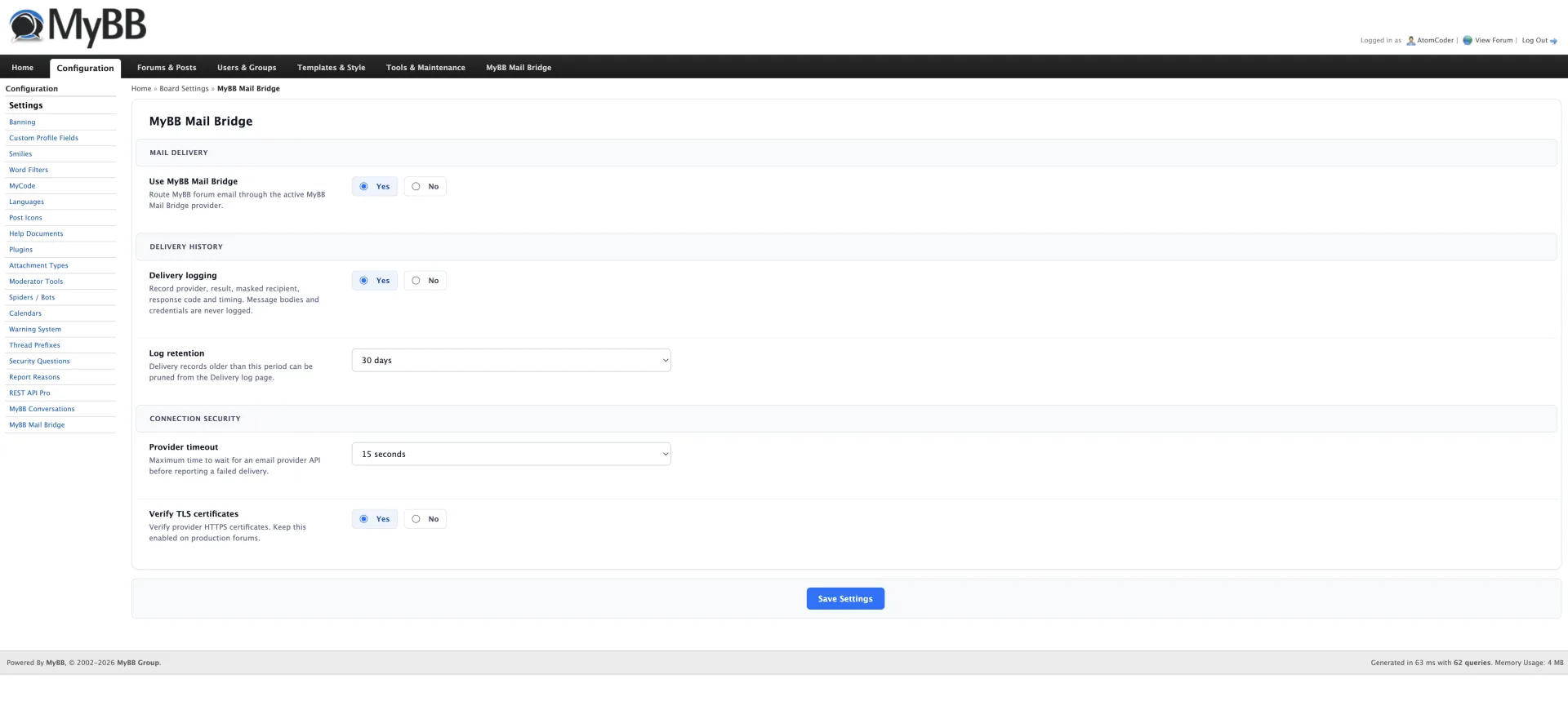
- Open the new MyBB Mail Bridge tab, or use Configuration → MyBB Mail Bridge.
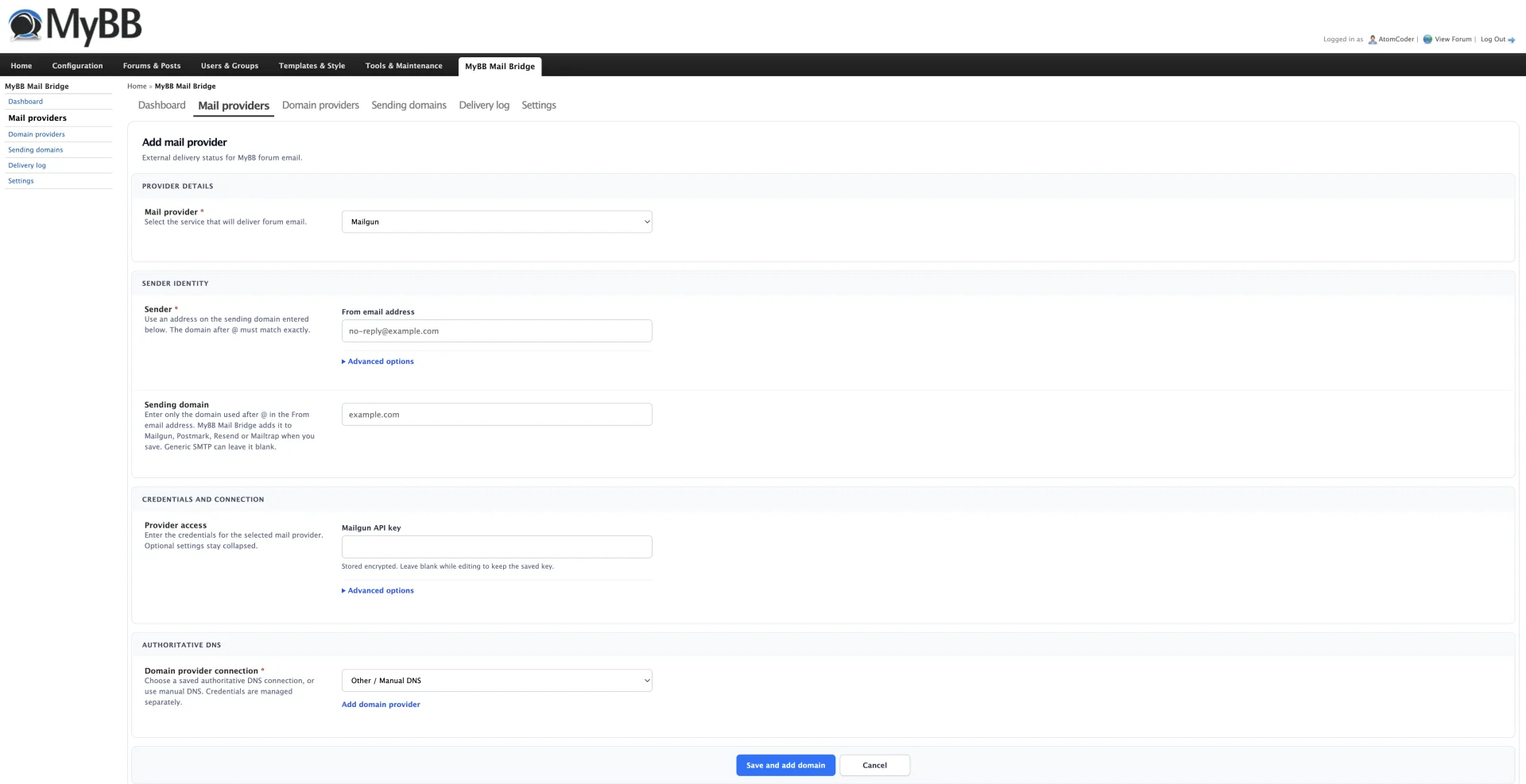
- Add a reusable Domain provider connection for the service hosting your domain's authoritative DNS.
- Add a mail provider, enter its sending domain and select the saved domain provider connection.
- Save the mail provider, review the requested DNS changes and confirm Configure DNS.
- Send a test email, set the provider as primary and enable MyBB Mail Bridge under its Settings tab.
Additional details
Requires MyBB 1.8.x, PHP 7.2 or newer, PHP cURL and OpenSSL, and outbound HTTPS access to your selected providers. The generated inc/mailbridge.key.php encryption key must remain private and should be included in backups. Losing it makes saved credentials unreadable. For maintenance updates, replace the plugin files while Mail Bridge remains active. Do not uninstall first: uninstalling intentionally removes saved providers, encrypted credentials, domain metadata, delivery logs, settings and the generated key file. External provider accounts and DNS records are not removed.