
Preview
 View full-size preview
This preview could not be loaded.
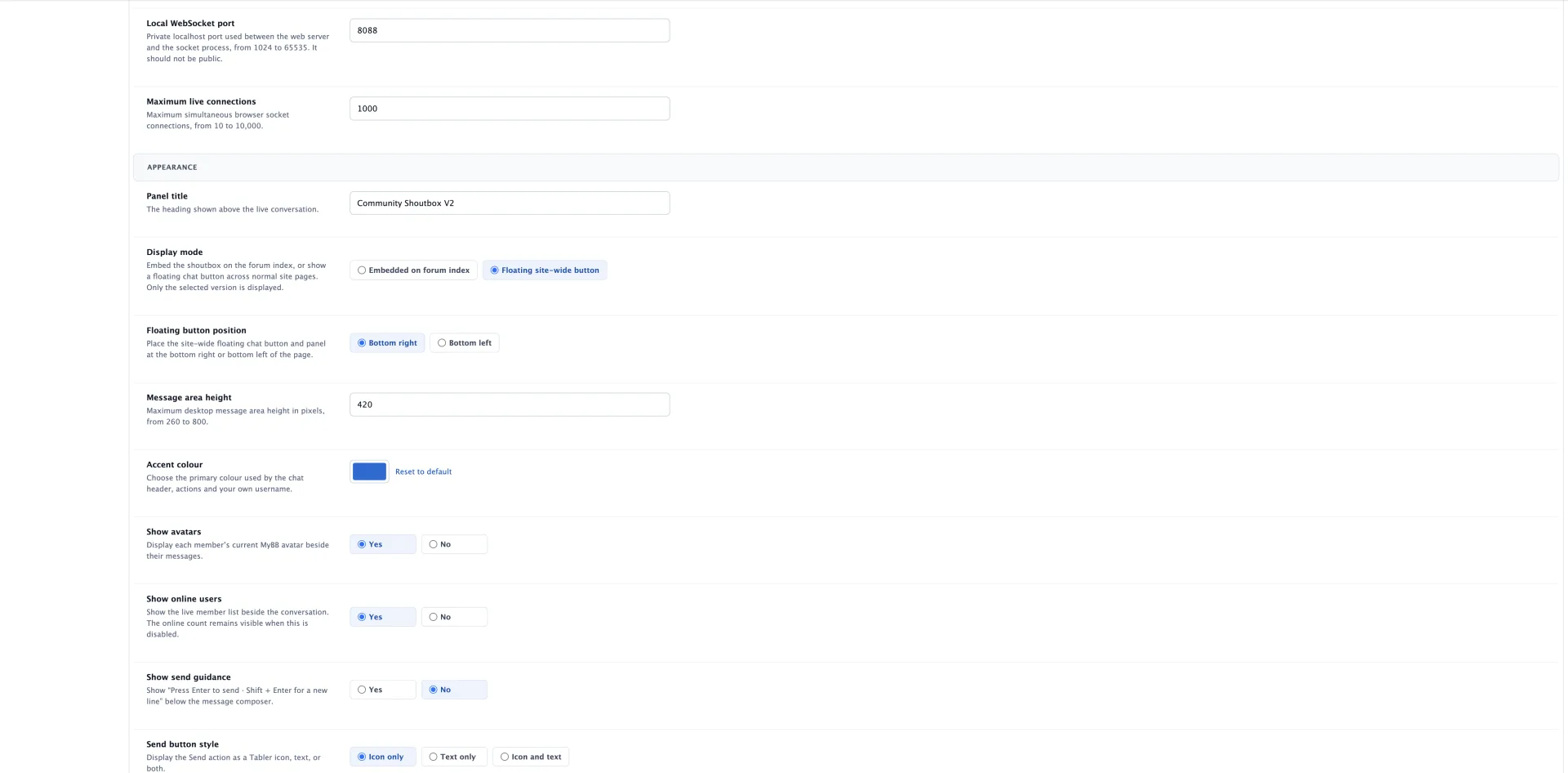
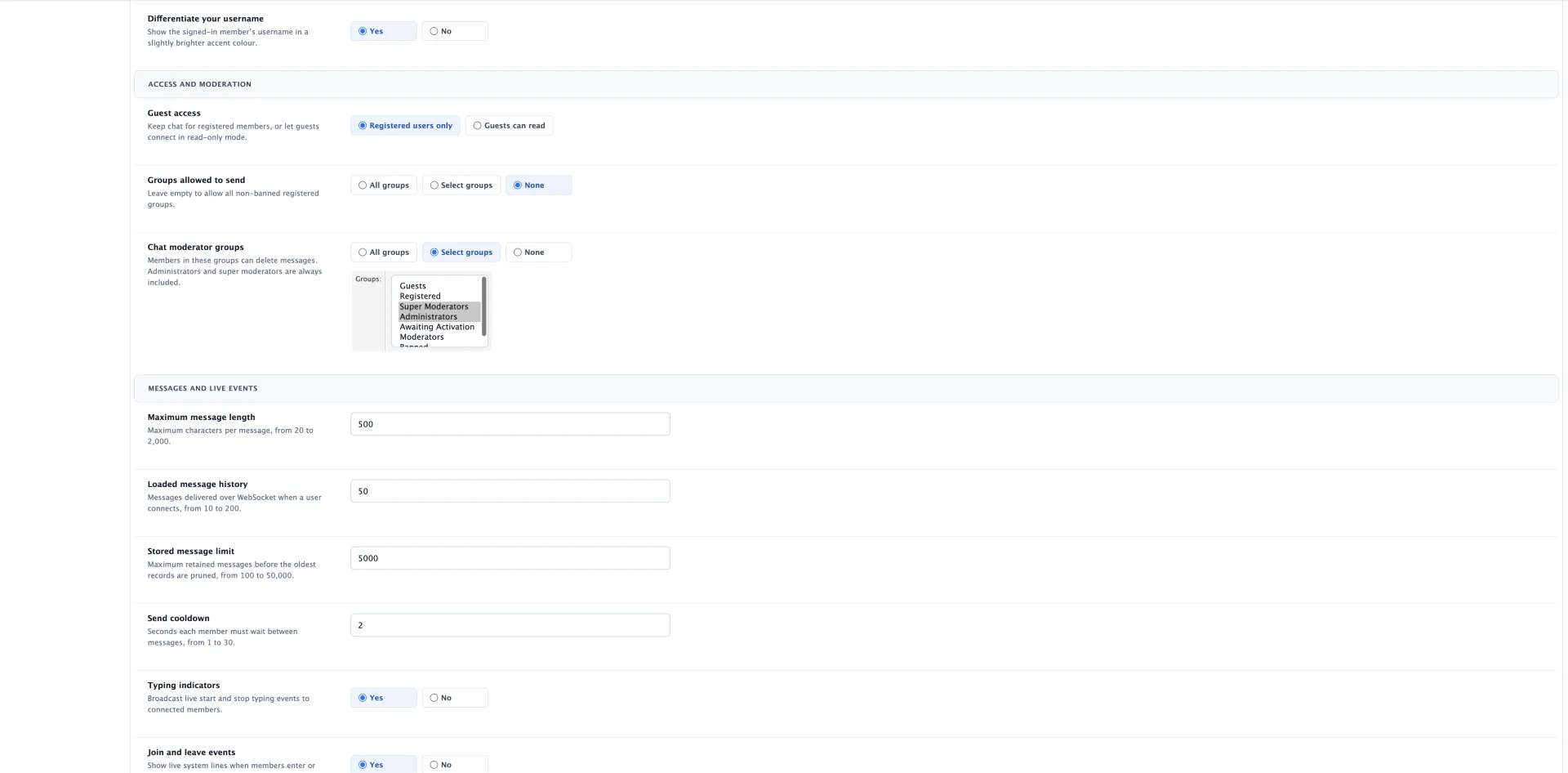
About MyBB Chat
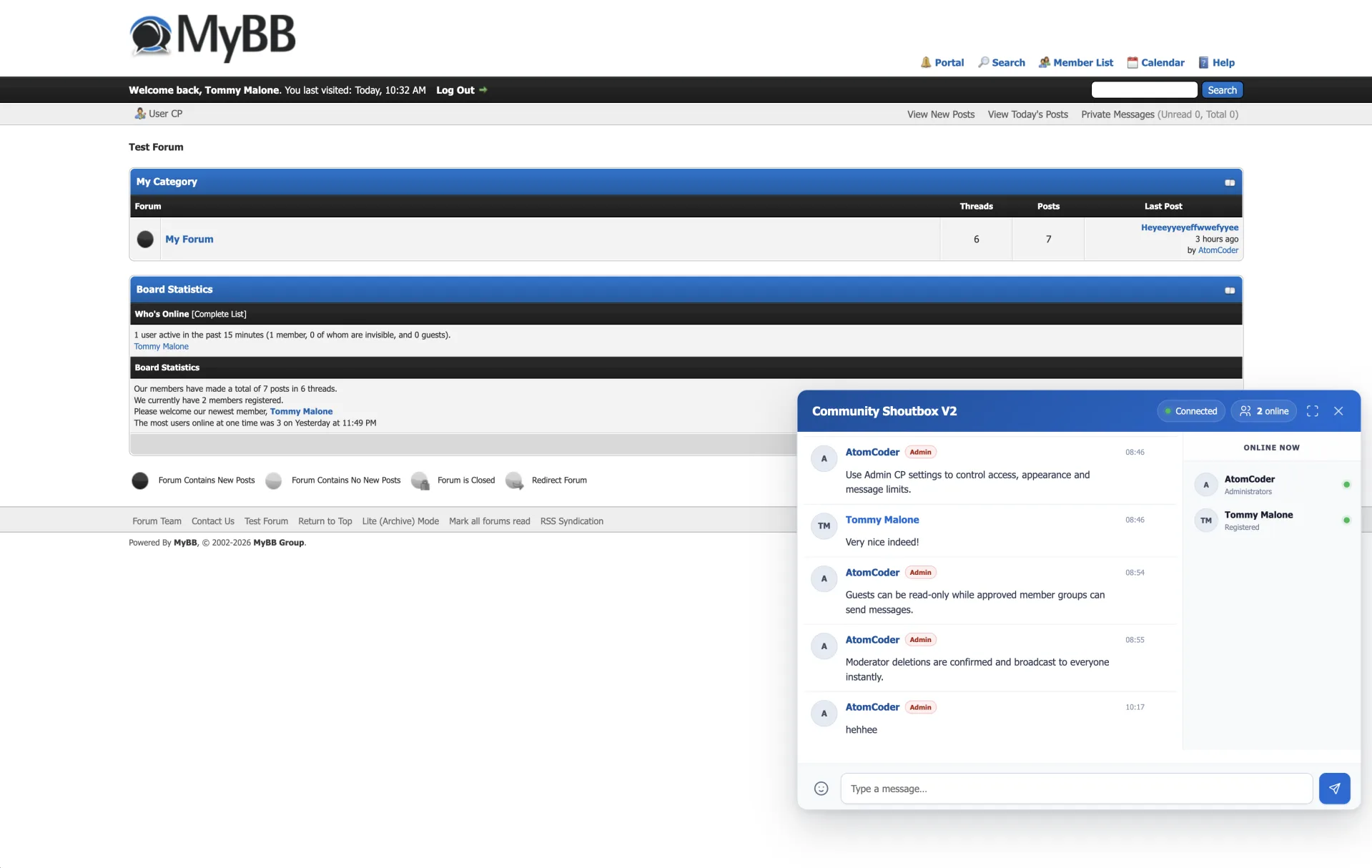
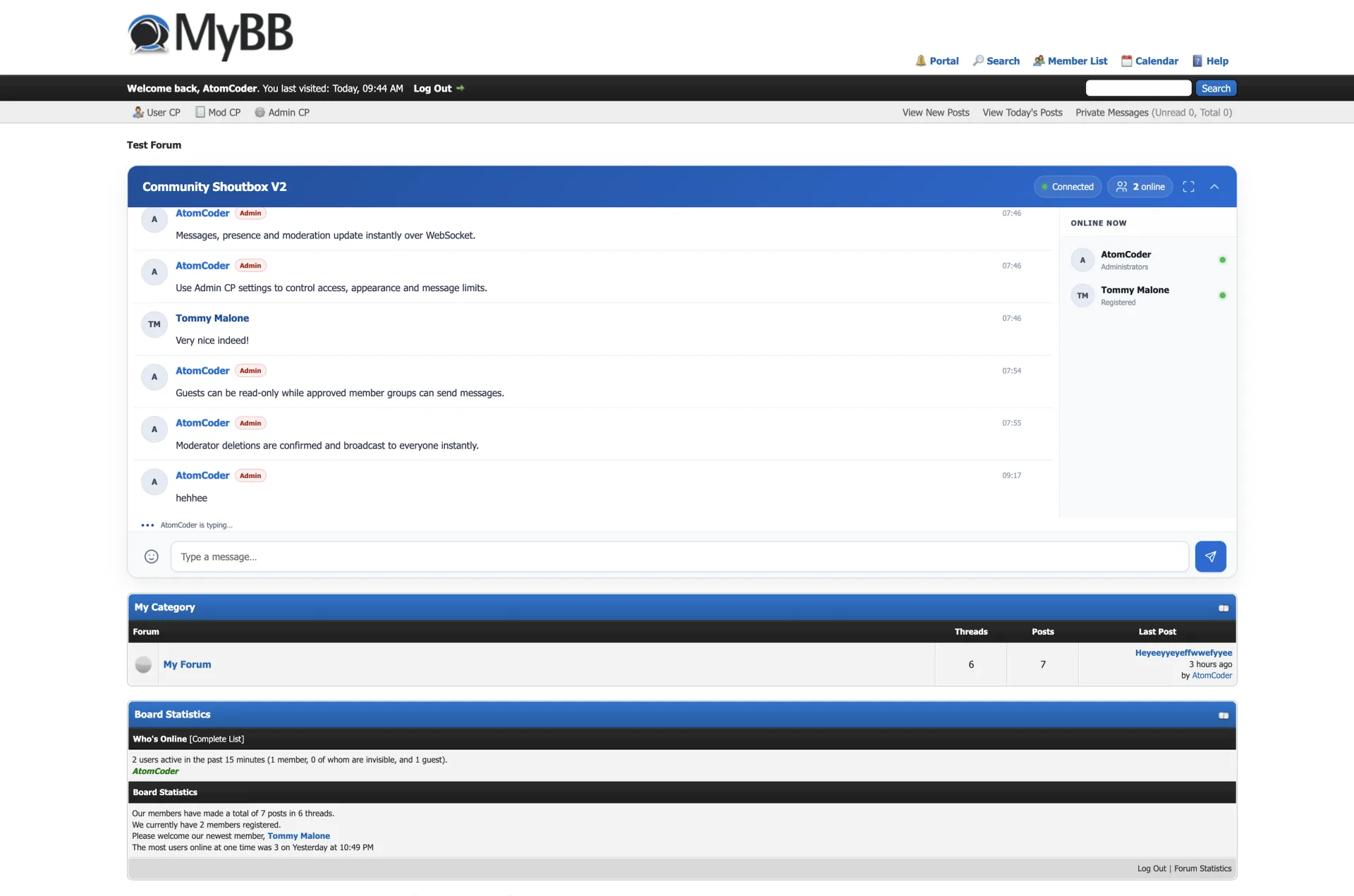
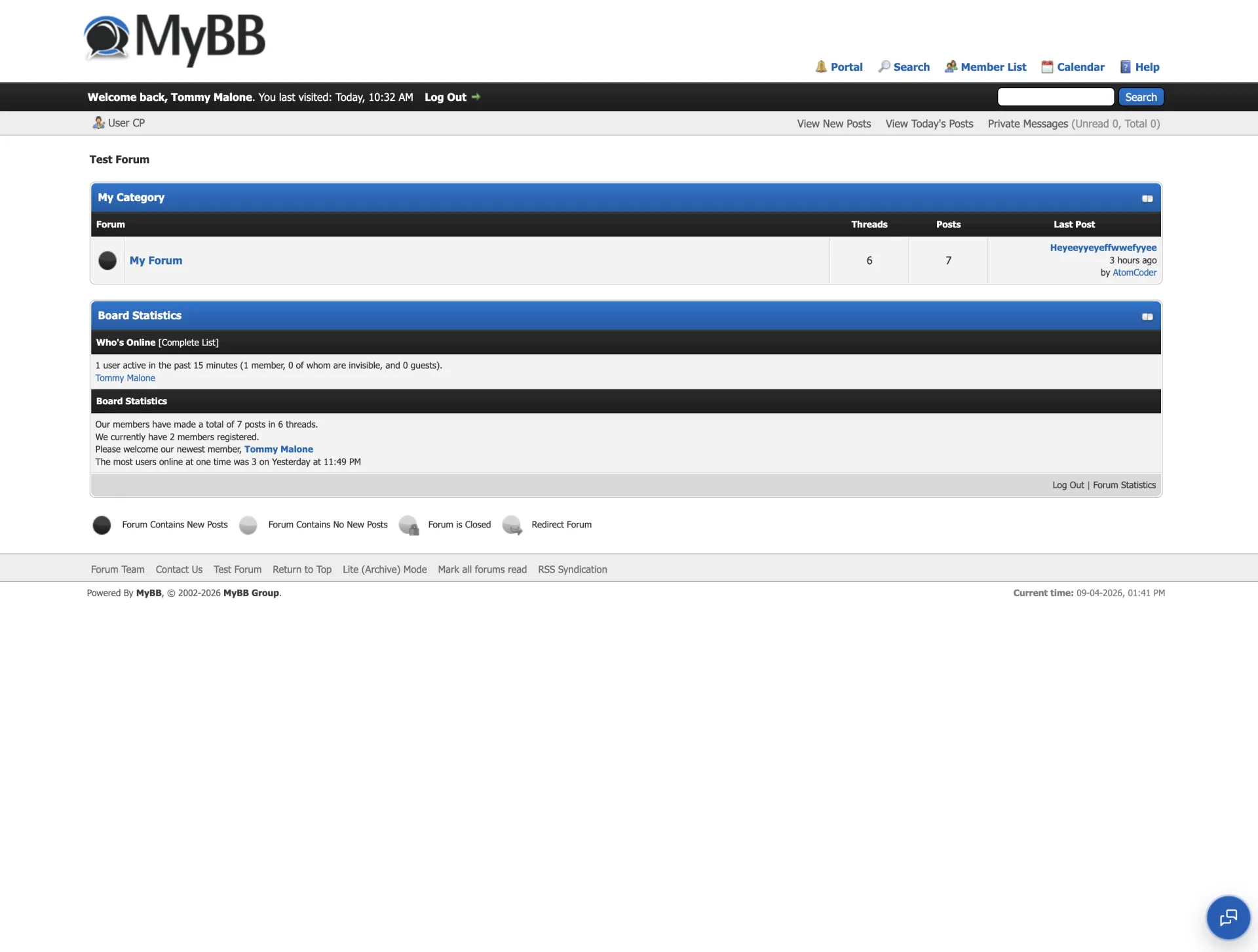
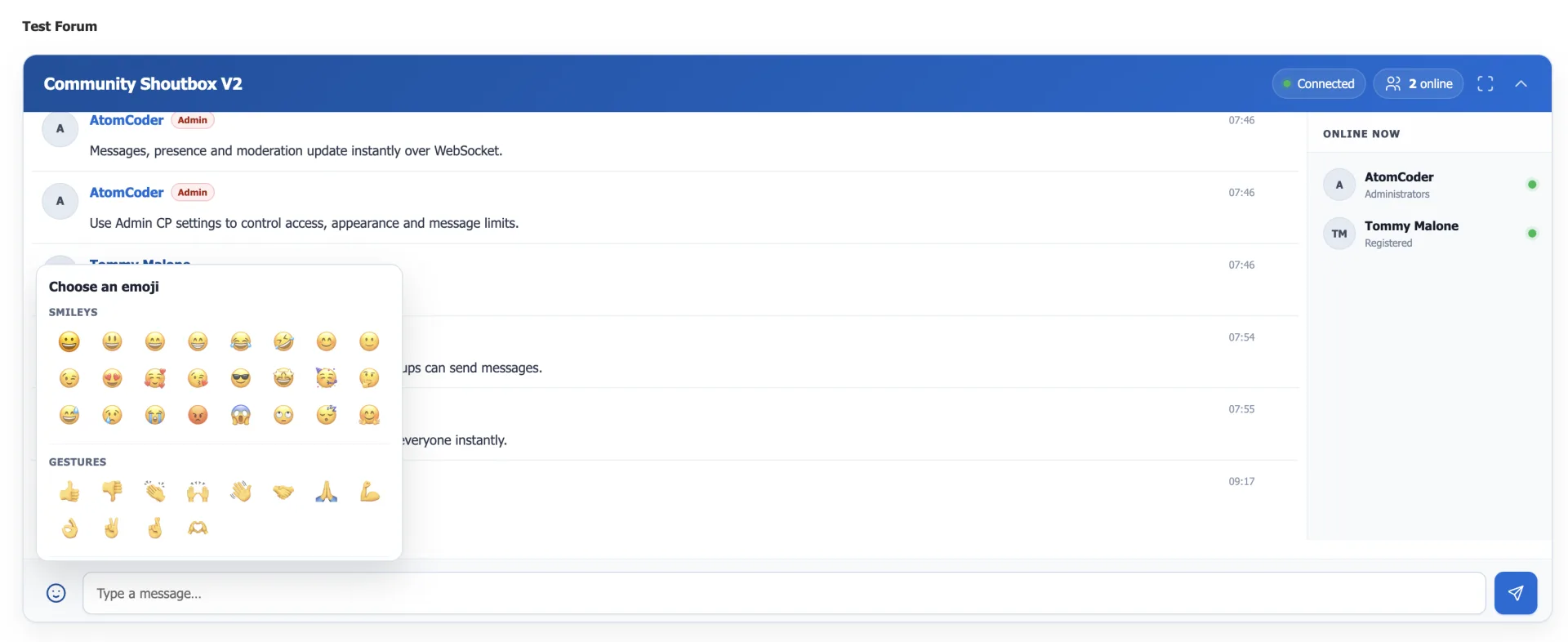
Add a realtime WebSocket shoutbox to MyBB with a site-wide floating chat button or an embedded forum-index layout. The responsive floating panel can launch from either bottom corner and brings instant messages, live presence, typing indicators, avatars, permissions and moderator controls to normal forum pages. Includes a dependency-free Node.js socket server and secure signed callbacks to MyBB.
What’s included
- Site-wide floating chat button available across normal forum pages
- Responsive floating panel for desktop and mobile
- Bottom-right or bottom-left launcher placement
- Configurable floating typing status: off, solid dot or pulsing ring
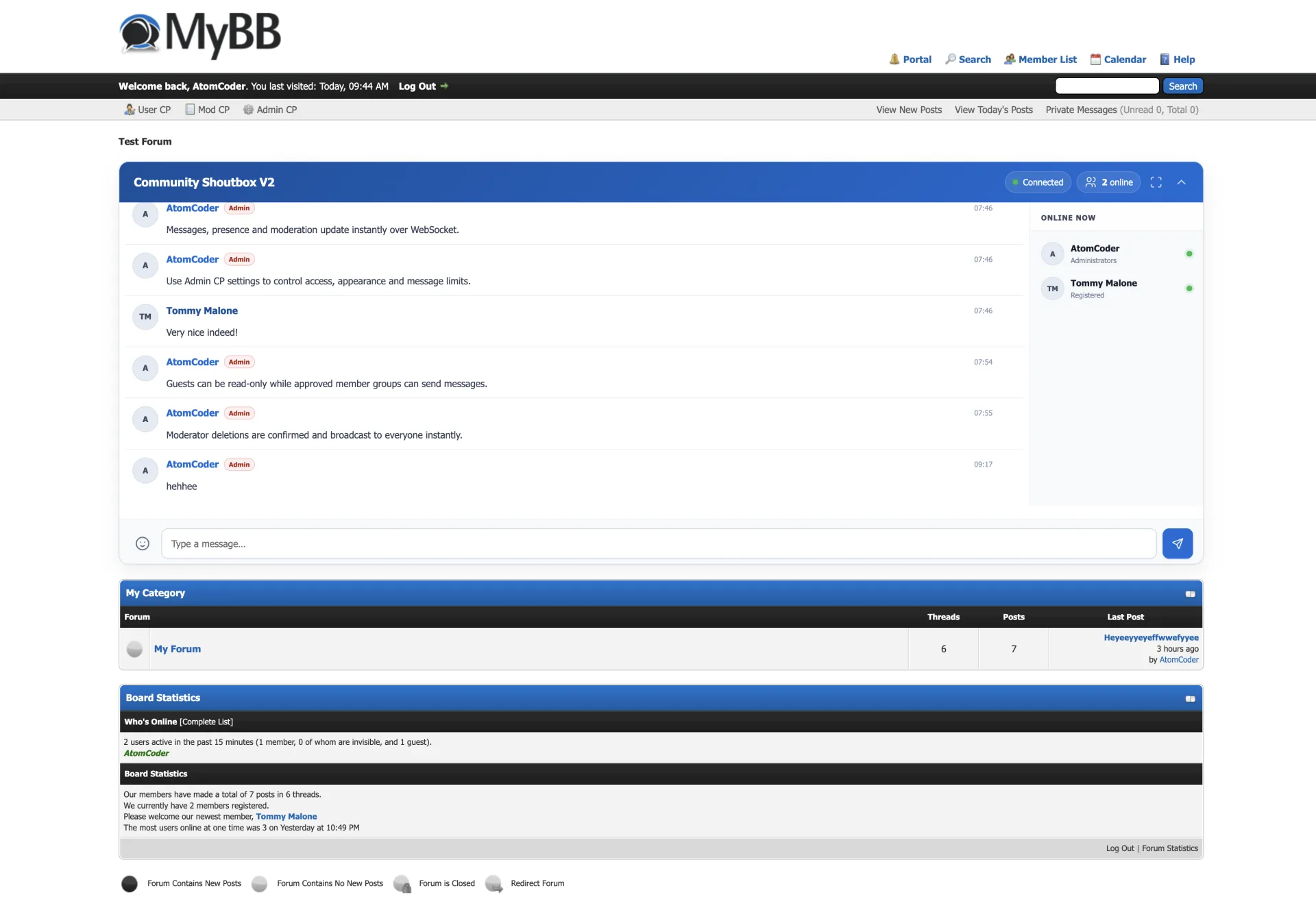
- Optional embedded shoutbox on the forum index
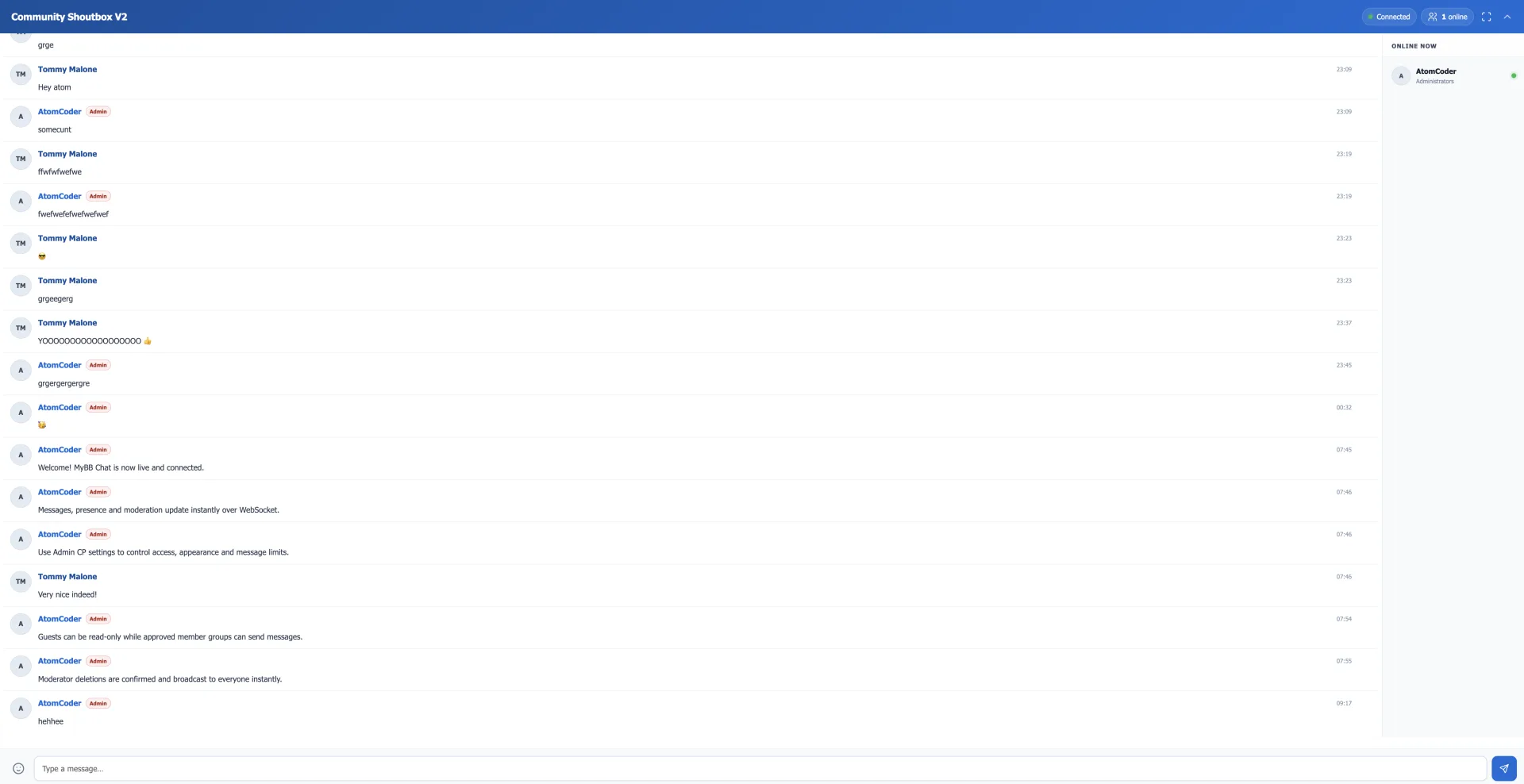
- Instant WebSocket messages with authenticated history
- Live presence, online count and join/leave events
- Typing indicators with no polling or page refreshes
- Member avatars and MyBB group role badges
- Group-based viewing, sending and moderation permissions
- Modal-confirmed moderator message deletion
- Signed, expiring identity tokens and HMAC-secured callbacks
- Dependency-free Node.js 18+ socket server with Nginx and systemd examples
- Configurable history, retention, cooldown and message limits
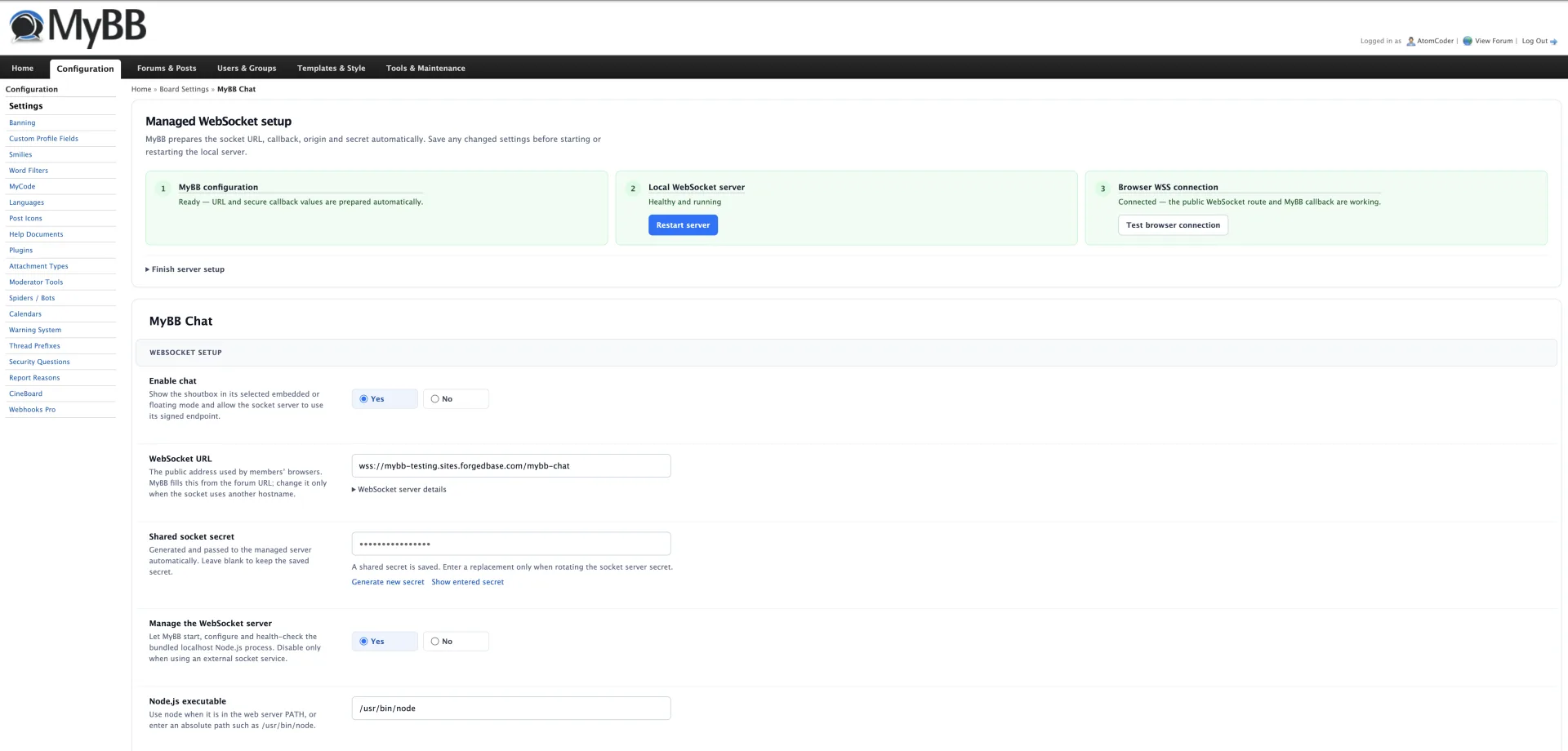
- Polished MyBB Admin CP settings and non-destructive deactivation
Installation
- Extract the release ZIP directly into your forum root
- In Admin CP → Configuration → Plugins, install and activate MyBB Chat
- Open the plugin Settings link and leave chat disabled during socket setup
- Generate a shared socket secret and configure the same secret on the Node.js service
- Set the public wss:// WebSocket address and review access and moderator groups
- Configure the included Node.js service and TLS reverse proxy examples
- Enable chat, then verify messages and presence in two signed-in browser sessions
Additional details
Requires Node.js 18.17 or newer, permission to run a persistent Node.js process, and a TLS reverse proxy for production wss:// connections. No npm installation is required; the socket server uses Node.js built-in modules only. Deactivation preserves settings, templates, and message history.